Best Laptop Extender Displays for Remote Work 2026
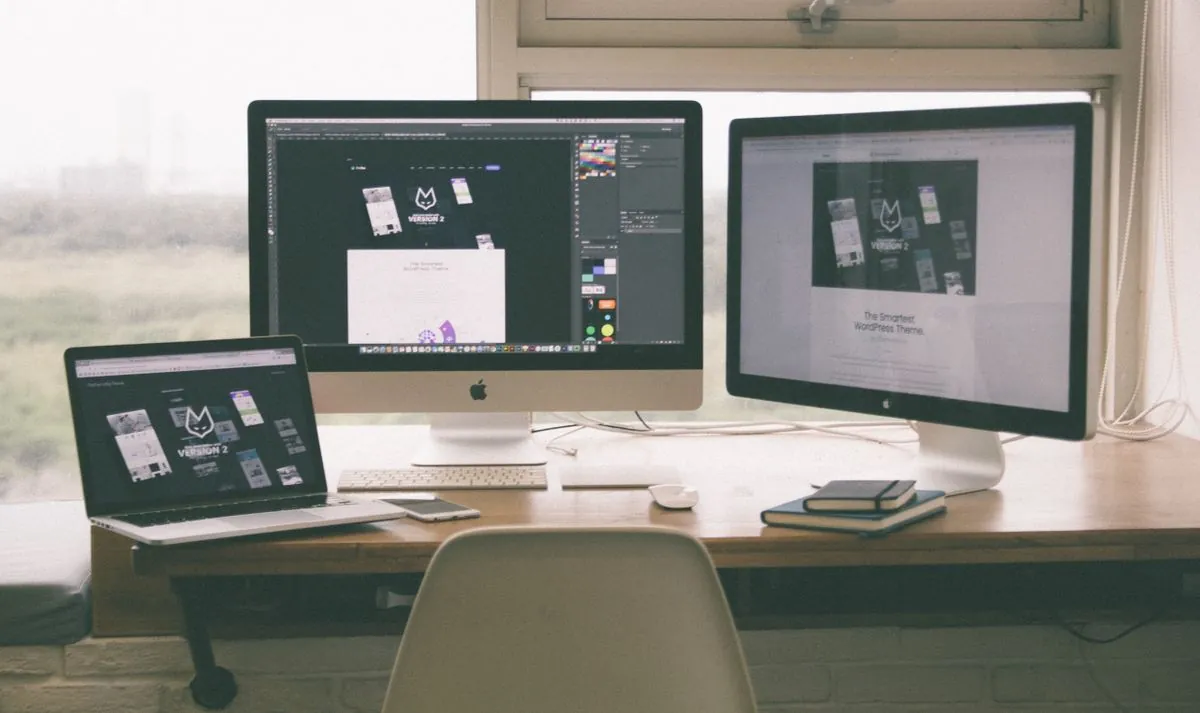
Remote work has been the norm for years now, and the real productivity bottleneck isn't a better chair or a standing desk — it's screen real estate. When you're jumping between Slack, email, spreadsheets, and video calls simultaneously, a single 13 or 14-inch laptop screen becomes a wall.
Portable screen extenders solve this without hauling a monitor around. The KEFEYA S6 is one of the more popular triple-display extenders on the market this year — here's whether it's actually worth adding to a travel or remote-work setup.
What Makes a Good Laptop Extender Display?
Before getting into the specific model, here's what separates a genuinely useful extender display from an overpriced gimmick:
- Plug-and-play — no drivers, no fiddling with settings. USB-C or HDMI, and it just works.
- Lightweight — if it's heavier than your laptop, it's not mobile anymore.
- Reasonable price — most useful models land in the $250–$350 CAD range.
- Refresh rate — 60Hz is fine for productivity work; you don't need 144Hz for spreadsheets.
- Build quality — flimsy hinges and stands ruin the experience fast.
KEFEYA S6 — Triple Screen Laptop Extender
The KEFEYA S6 is a 15.6-inch FHD IPS panel setup that flips out from a compact hinge attached to your laptop lid, giving you up to three total screens of workspace — your laptop screen plus two extenders, or configured in dual mode if you only need one extra panel. It supports 120% sRGB colour coverage and 235° rotation on each panel, so you can angle displays for a second person or for side reference material.
Setup is genuinely plug-and-play over USB-C — on Mac it's seamless, on Windows you may spend a few minutes in Display Settings arranging the panels the first time, then it's done. Total weight comes in under 2 lbs, which keeps it realistic for a backpack.
| Spec | Detail |
|---|---|
| Panel size | 15.6" FHD 1080P IPS (x2 extenders) |
| Color coverage | 120% sRGB |
| Rotation | 235° per panel |
| Connection | USB-C / HDMI, plug and play |
| Compatibility | Mac, Windows, Chrome OS |
| Weight | Under 2 lbs (0.9 kg) |
Who Actually Needs This
If you're bouncing between Slack, email, a main work window, and a video call all day, a triple-screen setup like the S6 genuinely changes your workflow — no more alt-tabbing to find the window you need. Video editors and anyone working with timelines plus a preview window benefit the most. If you mostly just browse and write documents, a single laptop screen plus one extender panel (using it in dual mode) is plenty.
Cable Management and Power
The S6 runs off a single USB-C cable for both power and video, which keeps your bag simpler — no separate power brick to carry. If your laptop only has Thunderbolt 3 or an older USB-C standard, double check compatibility before ordering; some setups need an additional USB-C hub, which runs $30-$50 CAD.
Bottom Line
If you're remote and haven't invested in expanded screen space yet, this is one of the more practical productivity upgrades available. The KEFEYA S6 folds compactly, weighs under 2 lbs, and gets you real extra screen real estate without a permanent desk setup. Worth it if you're remote most of the week.
Bottom Line
The KEFEYA S6 is a solid pick if you work remote and want real extra screen space without hauling a monitor around. Plug-and-play setup, decent color accuracy, and a weight that still fits a travel bag.
As an Amazon Associate, Greg Toope earns from qualifying purchases through the links above.