AI Tools for Content Creators 2026: From Script to Publish
If you're making videos, podcasts, or written content in 2026, you're probably already using AI — whether you realize it or not. The landscape has changed dramatically. What used to require a team of editors, scriptwriters, and designers can now be handled by a single creator with the right tools.
But not all AI tools are created equal. Some save you hours. Others are glorified toys that waste your time. I've been testing creator AI tools for two years now, and here's what actually works.
Script Writing and Idea Generation
The hardest part of content creation isn't recording — it's deciding what to say. AI can help here, but only if you don't let it take over.
Tools like ChatGPT or Claude are excellent at generating outlines, bullet points, and alternative phrasings. What they're not good at is authenticity. Your audience came for your voice, not for AI-generated generic content. Use these tools to brainstorm hooks, structure segments, and punch up weak sections. Don't use them to write your entire script.
For YouTube specifically, you need:
- Strong hooks in the first 10 seconds (AI can suggest these, but you need to pick the right one)
- Clear value proposition (what's the viewer getting from this?)
- Natural pacing that keeps people watching (AI struggles here)
Claude can generate 5-10 different title options and hook variations, then you manually select and edit the best ones. Takes 10 minutes instead of an hour.
Video Editing and Content Assembly
This is where AI saves the most time. Tools that can auto-cut footage, remove silence, and sync captions are game-changers for creators.
Adobe Firefly and CapCut's AI features can automatically identify and cut the best moments from long recordings. Instead of watching 90 minutes of raw footage and manually cutting, the AI flags interesting sections and you just approve them.
Combined with auto-captioning (available in Adobe Premiere Pro, DaVinci Resolve, and CapCut), you can have a rough edit with subtitles in half the normal time. You still need to review and fix errors, but the foundation is done.
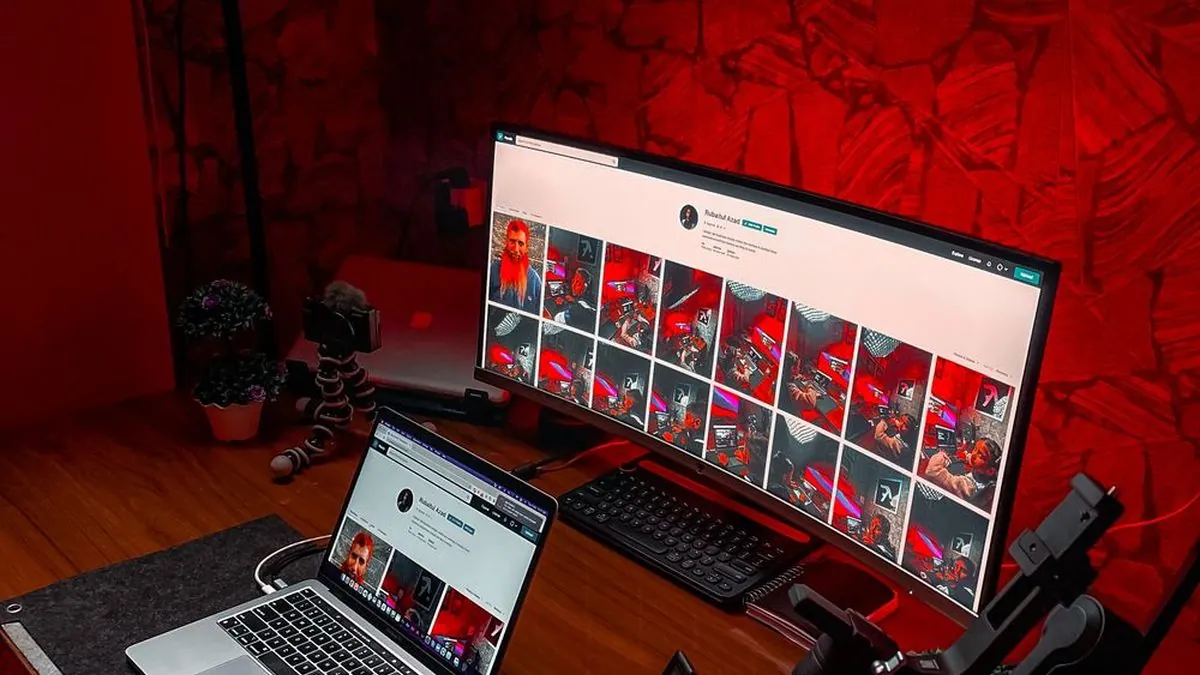
For thumbnails and graphics, tools like Photoshop's AI Generative Fill and Adobe Express can create variations on your designs. I design the layout and call out the product, then let AI fill in backgrounds or generate accent graphics. Still takes oversight, but it's much faster than starting from scratch.
SEO, Titles, and Metadata
YouTube's algorithm cares about tags, descriptions, and titles. AI can help you optimize all three — but you need to feed it good information.
Tools that analyze your competitor videos and suggest keywords are worth the investment. They scan top-ranking videos in your niche and tell you which keywords they're hitting, what titles work, and what descriptions match the YouTube algorithm's preferences.
Use these to generate 10 title options from a base topic, analyze which keywords appear in top-ranking similar videos, then manually craft a title that combines CTR potential with accuracy. Takes 5 minutes and usually outperforms guessing.
Voiceover and Audio
AI text-to-speech tools have gotten shockingly good. If you're creating multiple videos per week, AI voiceover can save you recording time.
The catch: most AI voices still sound like AI. Eleven Labs and Google Cloud TTS have options that sound closer to human speech, but they cost more. For YouTube, most audiences will notice if you're using a robotic voice for the entire video. Use AI voiceover for:
- Quick intros or outros
- B-roll narration over footage
- Podcast ads or sponsorship reads
For your main content, recording yourself is still the gold standard. But AI voiceover is perfect for repetitive, low-stakes audio.
Transcript and Repurposing
This is the hidden win with AI. Once you have a video transcript (YouTube generates these automatically now), AI can:
- Create blog posts from your video script
- Generate social media clips and quotes
- Turn long-form content into short TikTok/YouTube Shorts snippets
- Pull out quotable moments for Twitter/X
Claude can analyze video transcripts and pull out the 3-5 most quotable moments, then post those as short-form content the same day. That video that took 3 hours to produce now generates content across 4 platforms instead of 1.
The Reality Check
AI tools won't make you a better creator. They'll make you a faster creator. That's different. Speed without quality is just more noise.
The best approach: use AI to handle repetitive, non-creative work (editing, transcription, formatting, keyword research). Keep your brain on the creative decisions (what to say, how to say it, who to say it to).
Tools are just tools. Your audience subscribes for you, not for your efficiency. Don't let AI efficiency become an excuse for lower quality content.
What's Actually Worth Your Money
You don't need premium AI tools to start. Free tools (ChatGPT free tier, YouTube's auto-captions, CapCut's free tier) handle 70% of what you need. Premium tools are worth it once you're:
- Publishing more than 2 videos per week
- Managing multiple content types (video, written, social)
- Actually making money from the content
Invest in the tools that save you the most time in your specific workflow. That might be video editing, transcript analysis, or keyword research. Don't buy a suite just because it exists.
In Summary
AI is a productivity multiplier, not a replacement for creativity. The creators winning in 2026 are using AI to handle the boring stuff so they have more time to make better content. That's the game.
As an Amazon Associate, Greg Toope earns from qualifying purchases through the links above.