macOS Golden Gate 27.2 Is Here: The Siri AI Update Worth Having
Apple has released macOS Golden Gate 27.2 with overhauled sliders, Siri AI that remembers context, and Messages suggestions. What to check before you update.
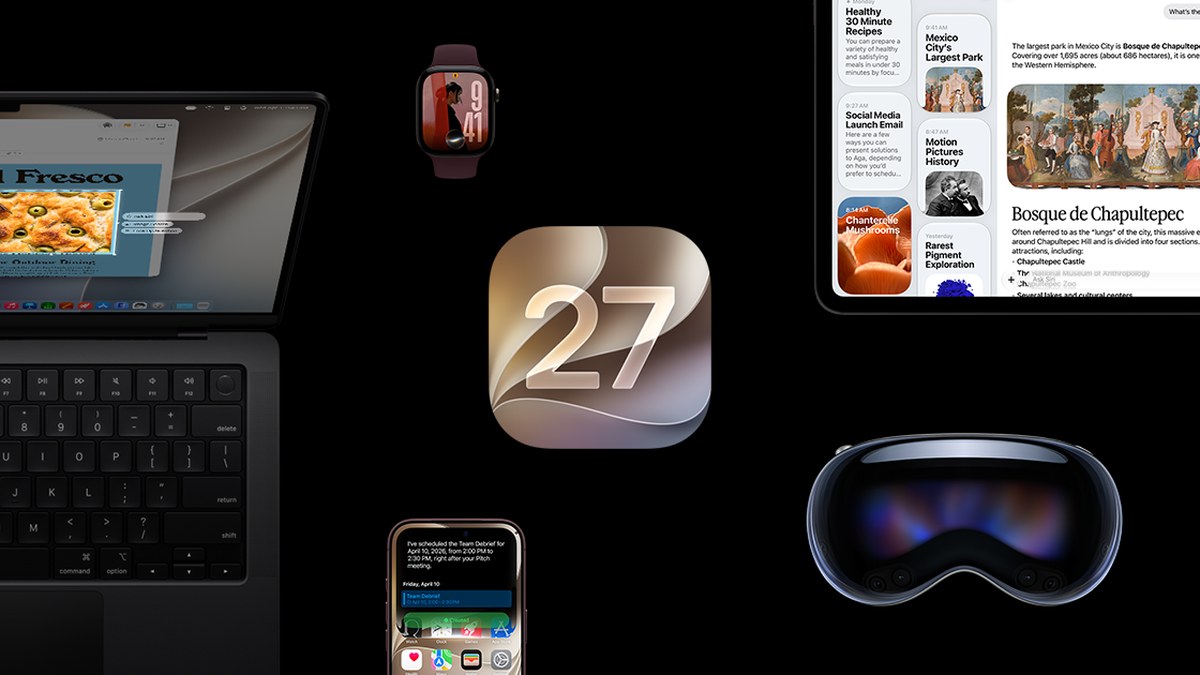
Image: Property of Apple
In this article
Siri AI finally remembers your context
The headline change is Siri AI. Version 27.2 lets Siri retain useful context from your previous interactions, so you can follow up on something it told you earlier, and it can now draw from a wider range of personal context on your Mac. That turns Siri from a one-shot question machine into something closer to a running assistant. Apple has also expanded Siri AI to five new languages: French, Japanese, Korean, Portuguese, and Spanish. The feature still is not available in the EU or mainland China.
Messages gets contextual suggestions
The update introduces Suggestions in Messages. When a conversation mentions plans or tasks, macOS offers quick actions in apps like Calendar and Reminders based on the context of what you are discussing, turning a chat about Friday into a draft calendar entry without retyping anything. It is a small feature on paper, and exactly the kind of quiet automation that saves minutes every day.
Sliders, fixes, and the stuff Apple does not headline
macOS Golden Gate 27.2 also overhauls the brightness and volume sliders, a small visual change you will feel every time you reach for the keyboard controls. Under the hood, Apple lists additional features, bug fixes, and security updates. If you have been sitting on 27.0 or 27.0.1 waiting for the release to settle, this is the update that brings the first significant feature drop since September.
Should you update today?
For most people, yes. The update is free, installs from System Settings under Software Update, and the first major point release is typically when the initial launch wrinkles get ironed out. If your Mac is your livelihood and you cannot afford a bad afternoon, waiting a few days for early reports costs you nothing. The features here are additive rather than disruptive.
What the update hints at next
Earlier betas of 27.2 were found to contain code referencing touch-specific gestures in apps like Safari, Notes, Photos, and Quick Look, which reporting has linked to Apple's rumored OLED touchscreen MacBook, possibly named MacBook Ultra. Apple has announced nothing official on that front, so treat it as informed speculation, but a Mac operating system quietly learning touch gestures is a strong signal of where the platform is heading. The Pro and Tell event on October 28 may have more to say.
The Canadian angle
If you are updating a Mac in Atlantic Canada, nothing here is region locked. The new Siri languages do not change English usage, and the Messages suggestions work in any locale. The update rolled out worldwide simultaneously, so there is no waiting on a staged regional rollout. Download, install, and carry on.
Frequently Asked Questions
One practical note for anyone maintaining multiple machines: the 27.2 update is roughly a 3 GB download per Mac based on early reports, so if you run several Macs on a shared connection, stagger the installs rather than updating everything at once. The download is resumable and the install requires a restart. If you use your Mac for video editing, the security fixes and bug corrections in this release are reason enough to schedule the update between projects rather than skipping it entirely.
The timing also lines up with Apple's broader fall cadence. iOS 27.2 and its HomePod and Apple Watch siblings arrived the same morning, with an iPad mini announced alongside them and the Pro and Tell hardware event still two days out. For Mac users the practical takeaway is simple: this is the software settling period, when the feature list grows and the rough edges shrink, and it lands right before new hardware that will run it out of the box.
Security alone deserves a line of its own: point releases like this one are when Apple patches the vulnerabilities that matter, and running months behind on updates is how Macs that never visit sketchy websites still end up compromised. Set aside twenty minutes this week, run the update, and let Time Machine do a pass first if it has been a while since your last backup. The new features are the fun part, but the security fixes are the reason.
How do I install macOS Golden Gate 27.2?
Open System Settings on your Mac, click General, then Software Update, and follow the prompts. The update is free and typically takes 15 to 30 minutes including a reboot.
Is Siri AI available in Canada?
Yes. Siri AI in version 27.2 works in English in Canada. The newly added languages this release are French, Japanese, Korean, Portuguese, and Spanish, and the feature remains unavailable in the EU and mainland China.
Will updating delete my files?
No. A standard point update like 27.2 preserves all your files, apps, and settings. Still, a current Time Machine backup before any update is always good practice.
What is new in Siri AI with 27.2?
Siri can now retain useful context from previous interactions, draw from a wider range of personal context, and works in five additional languages: French, Japanese, Korean, Portuguese, and Spanish.