How Do You Back Up an iPhone Before Switching to iPhone Duo?
The iPhone Duo's January delivery dates are coming for early buyers. Get your backup right before the switch, and the three ways to move everything safely.
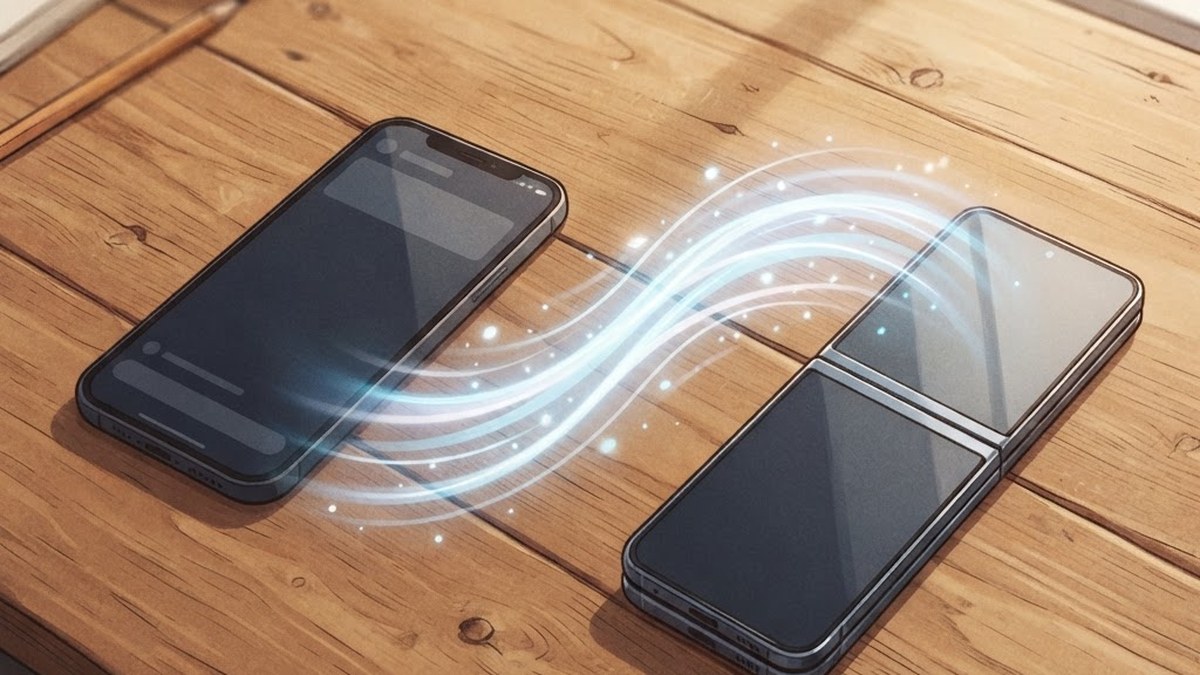
Illustration: AI-generated image
In this article
Why this matters right now
The iPhone Duo went on sale Friday, and the earliest pre-orders that survived the launch-day scramble will be delivering over the coming weeks, with everyone else queued into January. If there is a Duo in your future, the single highest-value thing you can do this week is make sure your current iPhone is backed up properly, because the difference between a five-minute setup and an afternoon of lost-data archaeology is entirely decided before you open the box.
Option one: iCloud backup
The default path, and the one most people should take. On your current iPhone, go to Settings, your name, iCloud, iCloud Backup, and run a backup now, then leave automatic backups on until the new phone arrives. It handles apps, settings, messages and photos quietly. The catch is space: free iCloud tiers fill up fast on a well-used phone, so check that your last backup actually completed rather than silently stalled on a storage warning, a failure you only discover at the worst moment.
Option two: computer backup
The underrated path for people who like certainty: connect the iPhone to a Mac or PC, and back it up through Finder or iTunes with encryption enabled. An encrypted computer backup preserves more than iCloud does, including your saved passwords and health data, and it is the choice of anyone who has watched an iCloud restore stall on a slow connection. The restore then happens over a cable, which is faster and does not depend on your Wi-Fi behaving.
The switch itself: Quick Start
When the Duo arrives, Apple's Quick Start handles the transfer: hold your old iPhone next to the new one, and the migration walks you through moving everything directly, over cable or Wi-Fi. Quick Start transfers apps, settings and data without you ever touching a backup file, and it is the smoothest option when it works. Keep your old iPhone untouched until you have confirmed the new one has everything, because it is your fallback if anything goes sideways.
The foldable-specific steps
A foldable adds a couple of small considerations to the usual checklist. Your banking and authenticator apps may need re-pairing with the new device, so have your accounts' recovery processes handy. Screen protectors and cases for the Duo's dual display are a different product category from your old phone's, so order them with the phone rather than after. And if you are trading in your current iPhone, wipe it only after you have verified your data lives on the Duo: a trade-in shipped early is a backup thrown away.
The five-minute checklist
Tonight, before any Duo arrives: run an iCloud backup and confirm it completed, or plug into a computer and take an encrypted backup. Export any authenticator codes your accounts depend on. Note which apps you actually use, because a new device is the best moment to shed the ones you do not. That is the whole job, it costs one evening, and it converts launch-day excitement from a data-loss risk into a five-minute setup.
One thing most switchers forget until it bites: two-factor authentication on new devices. Your authenticator apps and your iCloud security keys are exactly the things that make switching either smooth or miserable. Before the Duo arrives, confirm you can access your Apple ID from another trusted device, keep one recovery contact or key current, and know how your banking apps re-pair. That is the difference between launching day one fully armed and spending launch weekend locked out of your own accounts.
Finally, a quiet advantage of doing all this early: the fastest setup on delivery day is the one with no decisions left in it. Backed up, authenticators exported, accessories ordered, old phone untouched, everything verified, you unbox the Duo, tap through Quick Start, and you are taking your first foldable photos within ten minutes. Every hour of preparation this week is an hour of launch-day enjoyment instead of launch-day troubleshooting, and that trade is the entire guide in one sentence.
Frequently Asked Questions
How do I transfer data from my iPhone to the iPhone Duo?
Use Apple's Quick Start: hold your old iPhone next to the Duo and follow the migration prompts, which move apps, settings and data directly. Alternatively, restore from an iCloud or encrypted computer backup during setup.
Is iCloud backup enough before switching phones?
Usually, if it completes. Check that the last backup finished successfully and that iCloud storage was not full. For maximum safety, also take an encrypted computer backup, which preserves passwords and health data.
Should I back up before pre-ordering or before the phone arrives?
Before it arrives, and keep automatic backups on until the switch. The backup that matters is the freshest one at the moment you set up the new phone.
When should I wipe my old iPhone after switching?
Only after you have confirmed everything transferred to the Duo and you are not trading it in immediately. The untouched old phone is your complete fallback if a migration problem appears days later.