macOS 27.0.1 Golden Gate Is Out: Should You Update Your Mac?
Apple shipped macOS Golden Gate 27.0.1 (build 26A434) on September 28 — the first bug-fix update since the September 14 launch — alongside security updates for older Macs. Here's what it means and whether you should update now.
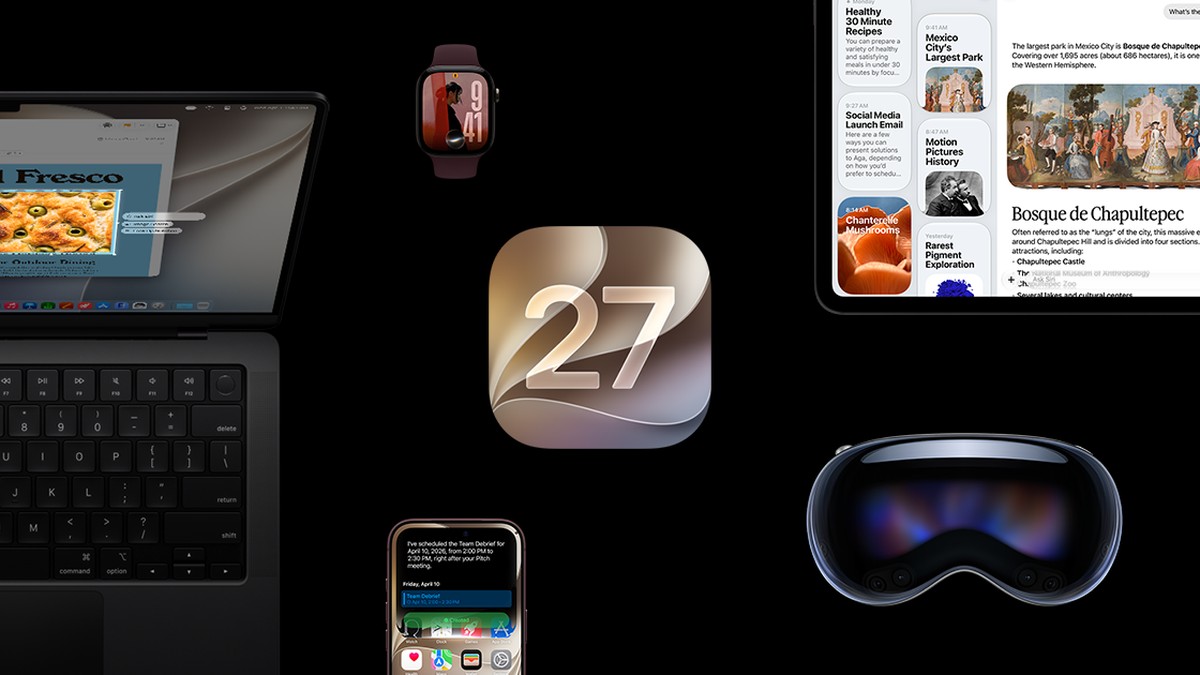
Image: Property of Apple Inc.
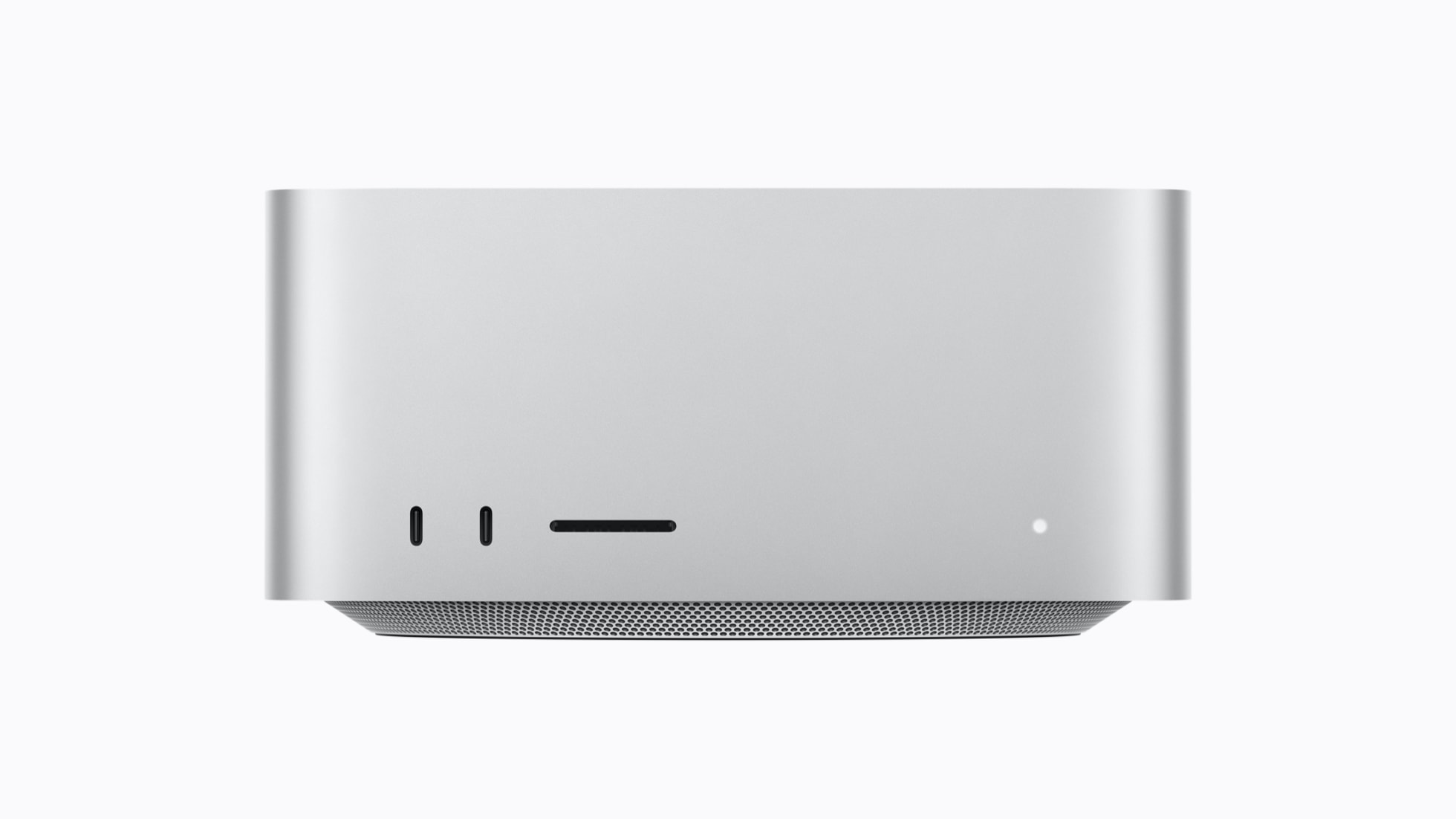
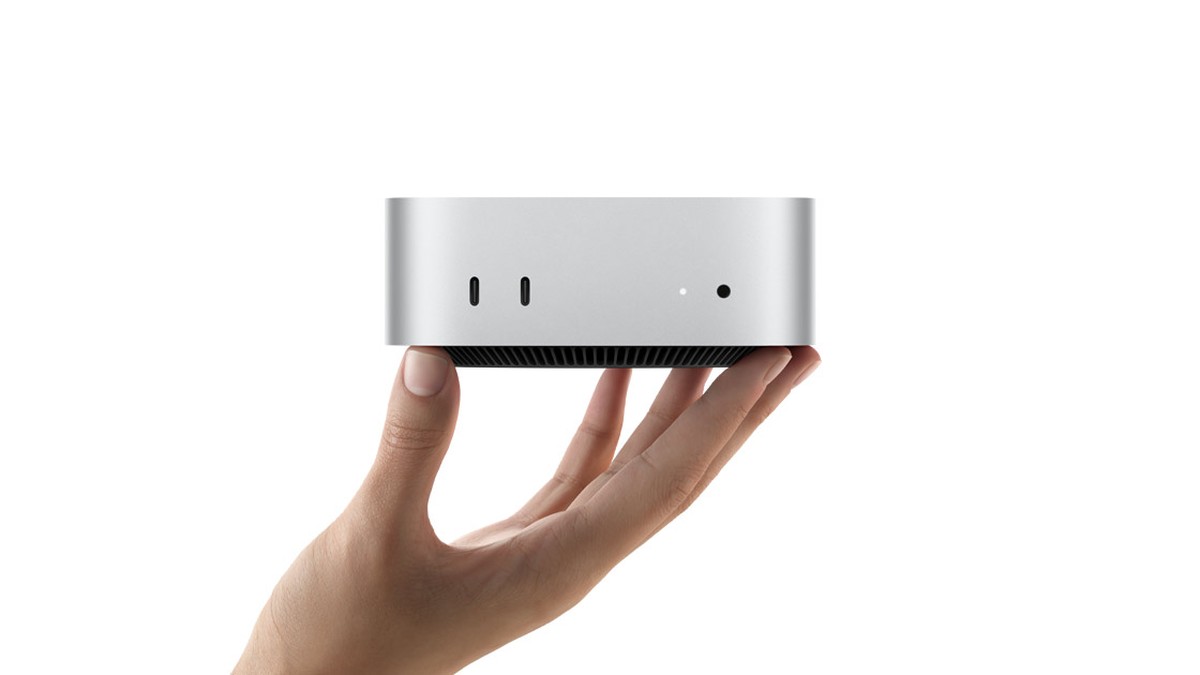
Two weeks after macOS Golden Gate 27 arrived alongside iOS 27, Apple has pushed out the first maintenance release: Golden Gate 27.0.1, build 26A434, released September 28. And in the same wave, Macs that can't run 27 got their own updates — macOS 26.7.1 for Tahoe and macOS 15.8.1 for Sequoia — which Apple typically ships as security releases. I run Golden Gate on my Apple Silicon machines (a Mac Studio M4 Max as my primary editing rig, a second Mac Studio M1 Max, and a 14-inch MacBook Pro M4 Pro), so an update like this one lands on every machine I edit on. Here's what's actually in it, and how I think about timing an OS update when a Mac is your money-maker.
Table of Contents
What's in 27.0.1 — and What Apple Isn't Saying
Apple's official notes for 27.0.1 are one sentence: "This update provides bug fixes for your Mac." No listed fixes, no security bulletin attached to the Golden Gate release itself. When Apple ships unspecified bug fixes alongside security updates for the two previous OS generations, the reasonable read is that 27.0.1 is early-cycle housekeeping: crash fixes, polish on the features that shipped September 14, and possibly under-the-hood items Apple doesn't itemize for x.0.1 releases. If a specific bug has been driving you up the wall since you upgraded, there's no way to confirm it's fixed before installing — that's just the reality of an unspecified release.
Which Macs Get What
- On macOS 27 Golden Gate — you get 27.0.1 (build 26A434). This is the standard System Settings > General > Software Update flow.
- On macOS 26 Tahoe — you get 26.7.1, Apple's security update line for that generation.
- On macOS 15 Sequoia — you get 15.8.1, same story, older generation.
- Intel Macs — Golden Gate requires Apple Silicon (M1 or later) plus the new MacBook Neo. Intel Macs don't get macOS 27 at all, which means 26.x security updates are the end of that road.
One more Golden Gate change worth knowing if you're still updating: MacRumors reported that macOS 27 kills Time Capsule support. If your backup routine still leans on a Time Capsule, that machine is now a paperweight for new installs — worth sorting out a replacement before you update, not after.
Golden Gate in 60 Seconds
If you upgraded on September 14, none of this is news; if you've been waiting, here's what you're looking at: Siri AI, refinements and more control over the Liquid Glass design language, faster system search, Group tabs in Safari, new photo editing tools including Spatial Reframing, a Describe a Shortcut automation feature, expanded child safety and parental controls, and changes across Safari, Photos and Messages. Reviews have been broadly positive — the consensus is that Golden Gate addresses the rough edges of last year's design pivot rather than piling on new controversy. In other words: 27.0.1 on top of that is exactly what it looks like, a small stability pass two weeks in.
The Creator's Question: When to Click Update
Here's my honest position as someone whose Macs are production machines, not toys: the update itself is low-risk — x.0.1 releases rarely break anything that x.0 didn't already break. The risk isn't the update, it's the timing. My rules, learned the hard way over years of editing on Macs:
- Never update mid-project. If a client video or a channel upload is due this week, the update can wait until the export is done and uploaded. An OS update that goes sideways costs you hours exactly when you don't have them.
- Update the secondary machine first. I'm fortunate: with two Mac Studios, I can put 27.0.1 on the secondary editor and run it for a day or two before it touches my primary. If you have one Mac, the equivalent is updating right after a project wraps, not right before one starts.
- Check your critical apps. The things that break on OS updates are almost never Apple's — they're the pro apps: Final Cut, Resolve, plugins, camera tethering, audio drivers. A two-minute check of your key tools' support pages before updating saves the one bad surprise that matters.
- Have a backup, not an assumption. Time Machine or otherwise, be backed up before the update. Trivial advice that only matters every single time something goes wrong.
Should you update? If Golden Gate is already running smoothly on your Mac, yes — install 27.0.1 whenever it's convenient and you're between exports. If you're holding off on upgrading from Tahoe entirely, 26.7.1 is your update, and there's no urgency you're missing on the 27 side.