Final Cut Camera Update: Variable Aperture Control Comes to iPhone 18 Pro
Apple just gave its free pro camera app the biggest redesign since launch — customizable overlays, one-tap access to shutter angle and ISO, and manual control of the iPhone 18 Pro's new variable aperture.
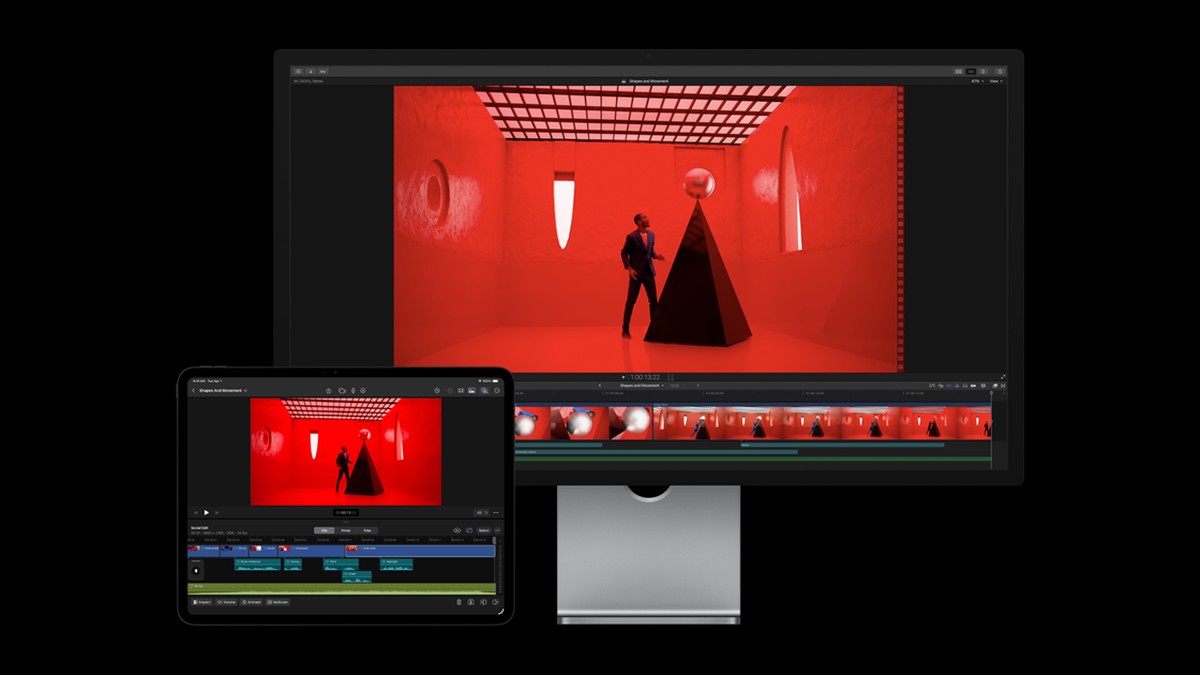
Image: Property of Apple Inc.
Apple rolled out a major Final Cut Camera update this week, and it's the version iPhone video creators have been asking for. The redesigned app adds customizable overlays, easier access to the settings pro shooters actually change — shutter angle, white balance, ISO — and, the headline feature, support for the iPhone 18 Pro's new variable aperture. Alongside it, Apple updated Creator Studio with new template collections and Pixelmator Pro selection tools. The update is free, like the app itself.
Table of Contents
Why Variable Aperture Matters
Until now, iPhone video shooters had almost no say over depth of field and exposure discipline at the lens level — the phone's computational pipeline made those calls. The iPhone 18 Pro's variable aperture changes that, and Final Cut Camera now puts the control in the UI instead of burying it. In practice it means two things: you can stop down in bright conditions so faces and backgrounds both stay in focus instead of getting the aggressive portrait-style blur the phone likes to apply, and you can manage light input manually the way a real cinema lens does — instead of the phone cranking shutter speed or ISO on its own.
For anyone shooting talking-head or B-roll content, that's the difference between "shot on a phone" and footage your editor doesn't have to fight with in post.
The Redesign: Overlays and Faster Controls
The interface update is the quieter half of the release, but arguably the bigger quality-of-life win. Popular settings — shutter angle, white balance, ISO — are now surfaced for immediate access instead of living in nested menus, and the customizable overlays mean you can keep exactly the readouts you care about visible while filming: waveform, timecode, framing guides. Apple also refreshed the overall layout. If you've used a dedicated video app like Blackmagic Camera, the direction here will feel familiar — Apple is clearly competing for the "second camera app" slot on every iPhone shooter's home screen.
How This Fits a Real Editing Workflow
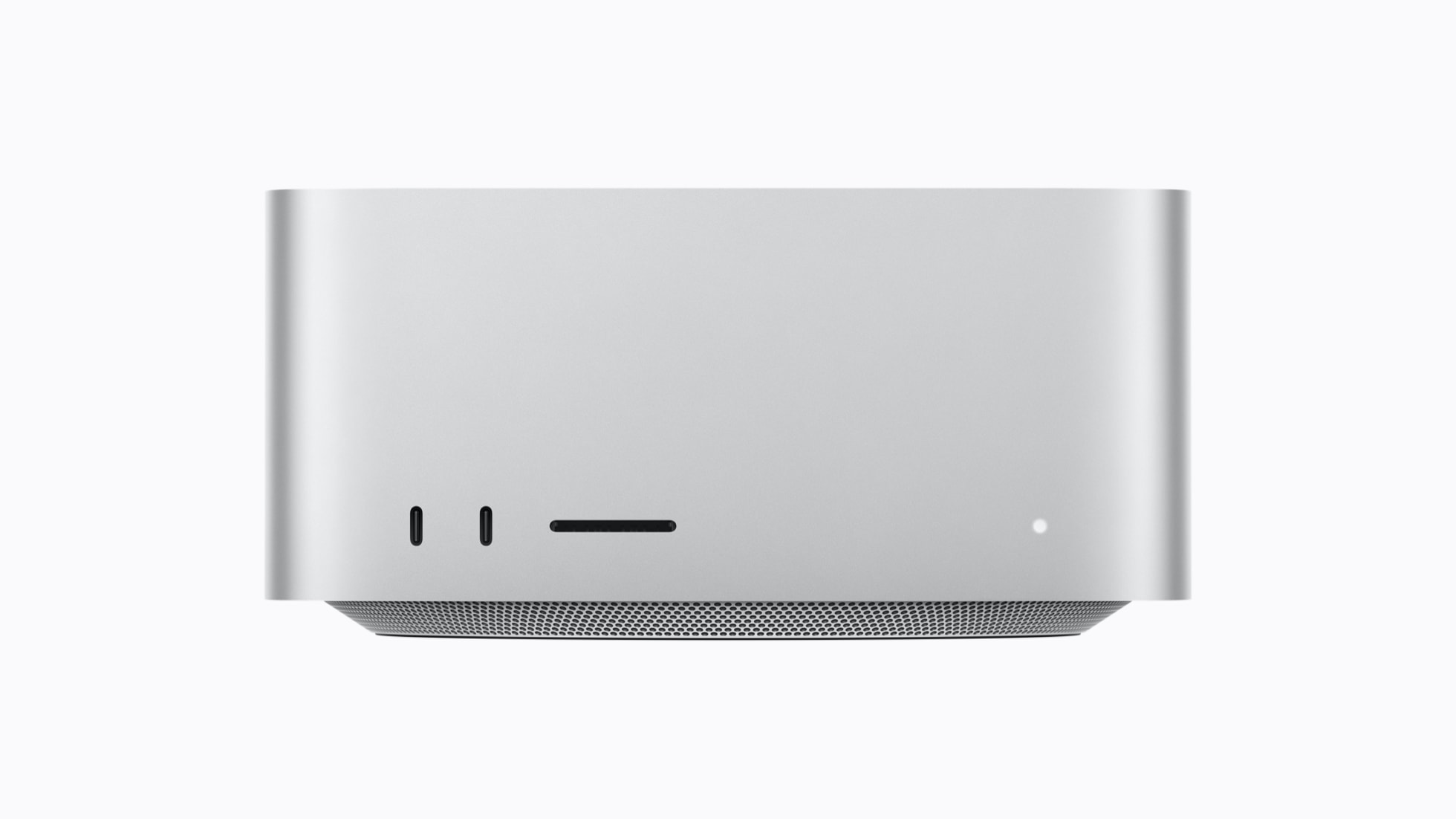
I edit in Final Cut Pro on Mac Studio hardware, so Final Cut Camera has always been the path of least resistance for iPhone footage — clips land where the timeline lives. With the updated Creator Studio also receiving new template collections, Apple is pushing the whole capture-to-publish loop tighter: shoot with pro controls on the phone, cut on the Mac, publish. The Pixelmator Pro selection upgrades and the new Numbers functions Apple shipped alongside are aimed at that same creator pipeline.
Worth checking after you update: re-test your default settings. A redesigned UI usually means your previous custom defaults need a quick once-over so the first clip of your next shoot doesn't surprise you.
Related Articles

Why Shutter Angle Beats Auto Mode
If "shutter angle" sounds like film-school jargon, here's the 20-second version of why its front-and-center placement matters. Auto exposure picks whatever shutter speed keeps the exposure even — which produces the smeary, inconsistent motion that instantly reads as amateur video. Locking a shutter angle (180 degrees being the classic rule) ties your shutter to your frame rate so motion has the consistent, cinematic blur viewers expect from everything shot properly. Getting that control one tap away, instead of three menus deep, is the difference between using it and not bothering. Combined with the variable aperture for light management and the overlay readouts showing exactly what the camera is doing, the app now teaches good habits by making them the fast path. That's the quiet goal of this whole redesign: make the pro workflow the default workflow.
How It Stacks Up for Pro Work
The uncomfortable comparison is Blackmagic Camera, which has offered manual shutter/ISO controls, waveforms and timecode on iPhone for years — free. Final Cut Camera spent its first versions catching up on manual control while keeping one advantage Blackmagic can't match: native handoff into Final Cut Pro on the Mac, where the timeline, color tools and the rest of the ecosystem live. With this update Apple has closed most of the manual-control gap and added the one hardware feature a third-party app can't fake: direct control of the iPhone 18 Pro's physical aperture. That combination — pro control on capture, seamless ingest into a pro editor — is the pitch, and for Final Cut users it's a convincing one. Blackmagic users who cut in DaVinci Resolve have little reason to switch; everyone else should just update and see whether their second camera app survives the week on the home screen.