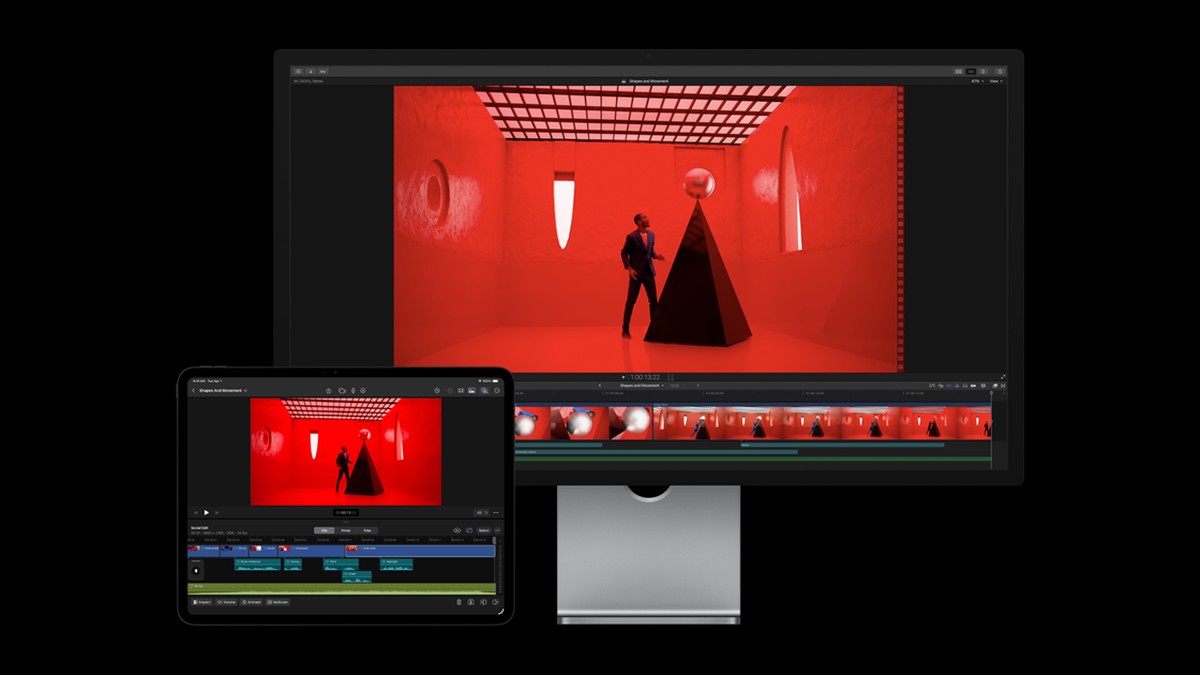
Final Cut Pro 12.4, Motion 6.4, Compressor 5.4: Apple Updates Its Entire Pro Video Suite
Apple pushed updates to all three Mac pro video apps on September 29. The thread connecting them: iPhone Cinematic mode now flows through the whole pipeline — with a batch of fixes editors genuinely wanted, and one Compressor removal that deserves a heads-up.
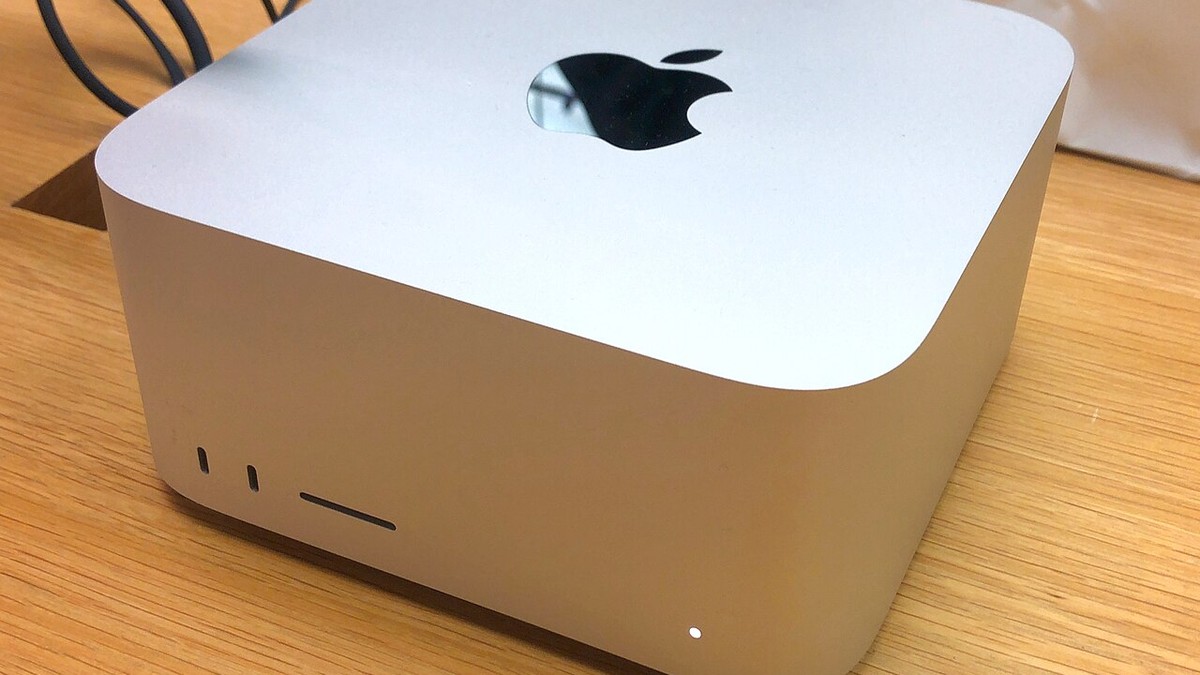
Image: Property of Apple Inc.
Yesterday Apple rolled out Final Cut Pro 12.4, Motion 6.4 and Compressor 5.4 — the full Mac pro video trio, updated the same day as the big Final Cut Camera redesign and the Apple Creator Studio refresh. If you cut video on a Mac, this is the update cadence you want to pay attention to, because the headline feature is the same one across all three apps: the iPhone's Cinematic mode footage can now move through your entire workflow without leaving the Apple ecosystem. As an editor who lives in Final Cut Pro on Mac Studio hardware, I went through the release notes line by line. Here's what actually matters.
Table of Contents
The Cinematic Mode Thread: One Feature, Three Apps
The connective tissue across this update wave is the iPhone 18 Pro's camera work. The redesigned Final Cut Camera app can now record with Cinematic mode effects using the new variable aperture, and all three Mac apps updated yesterday to catch that footage cleanly. Final Cut Pro 12.4 and Motion 6.4 both let you edit videos with Cinematic mode effects recorded in Final Cut Camera — adjusting focus points and depth of field after the fact, frame by frame. Compressor 5.4 completes the pipeline from the other end: it can convert video carrying the new Cinematic mode effects to the previous Cinematic mode format, for delivery to tools and platforms that don't speak the new one. One capture, one consistent pipeline, no third-party round-trips. Note the fine print on all three: the Cinematic mode features require macOS 27 Golden Gate, so if you're holding your edit machines back from the upgrade, that's the gate.
Final Cut Pro 12.4: The Fixes Editors Wanted
The 12.4 release is light on showy features and heavy on the kind of fixes that make daily editing less annoying. The list:
- Multicam angle switching: fixes delayed angle switches when clicking angles in the angle viewer during playback. Anyone cutting multi-camera content knows a late angle switch is a blown edit — this one matters.
- Audio waveforms: fixes waveforms taking a long time to generate, or failing to generate, in the timeline. Slow waveform rendering on big projects is one of those paper cuts you feel every single session.
- Library backups: fixes backup to a network volume failing — relevant for any studio (or home edit bay) that archives to a NAS.
- iPad round-trip: fixes a crash when importing projects created in Final Cut Pro for iPad.
- Smaller but welcome: fixes for title fonts reverting after being changed, keyframe pasting failing in the Animation Editor, and a pair of unexpected-quit bugs.
None of that makes a keynote slide. All of it makes Tuesday better. Combined with the Cinematic mode editing, 12.4 is a "update the moment you see it" release rather than a "wait and watch the forums" one.
Motion 6.4: Same Cinematic Powers, Plus Stability
Motion 6.4 mirrors the Final Cut Pro feature: edit Cinematic mode videos recorded with Final Cut Camera, adjusting focus points and depth of field, again requiring macOS 27 Golden Gate. Around that, Motion picks up two stability fixes — one for a crash after dragging an mTracker 3D Group into a project (mTracker users, you know who you are), and one for the "Go to App Store" button misbehaving when Pixelmator Pro isn't installed. Quiet, focused, useful.
Compressor 5.4: New Export Presets, One Removal
Compressor's update is the most interesting of the three. On the plus side: new HEVC MPEG-4 export presets for social platforms, including 10-bit options Apple recommends for HDR content — a direct answer to how much modern delivery targets YouTube, TikTok and Instagram rather than broadcast masters. It also gains the Cinematic mode conversion tool, optimizations for Liquid Glass, improved VoiceOver and Voice Control navigation, and fixes for a crash when submitting jobs with job actions, a hang when playing back image sequences, and job failures when adding chapter markers to longer high-frame-rate movies.
Then the removal: Compressor 5.4 removes distributed processing functionality. If your workflow used a cluster of Macs to share Compressor encoding loads — a classic trick in busy studios — that capability is gone after this update. Apple isn't offering a replacement in this release, and the release notes don't explain the decision. For a solo creator the removal changes nothing; for anyone with a render farm, this is a read-the-notes-first update. Check what your export pipeline depends on before you click Update All.