Local AI Smart Homes 2026 — Privacy-First Automation Without Cloud Dependency
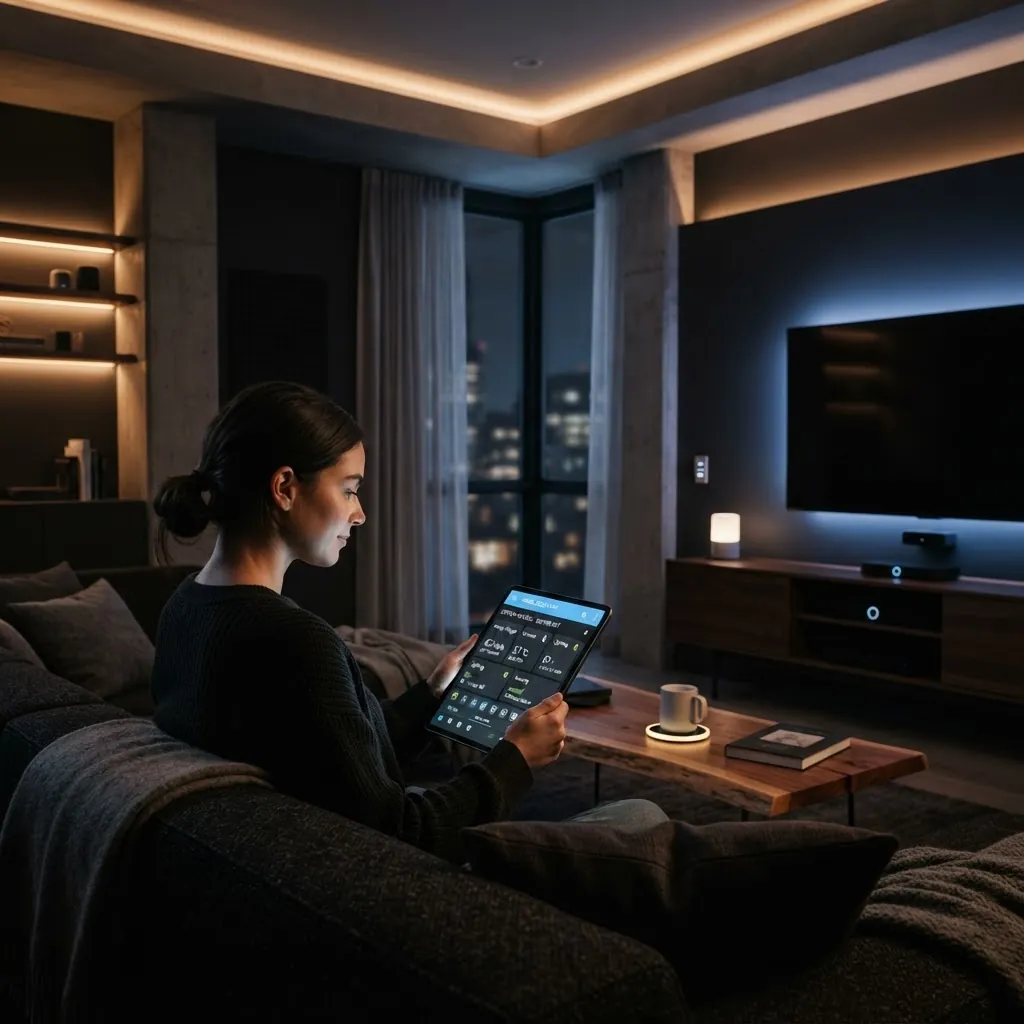
Smart homes have a privacy problem. Your thermostat, cameras, and voice assistants stream data to cloud servers—sometimes selling it to third parties. In 2026, that's changing. Local AI smart home platforms run entirely on devices in your home, with zero cloud dependency. You own your data. Your automations stay private. Here's how it works and how to build one.
What changed: 2025-2026 saw a major shift toward on-device AI. Devices got powerful enough to run large language models locally. Privacy advocates pushed back against cloud harvesting. Now, entire smart home ecosystems work without sending a single byte to the cloud.
Cloud Smart Homes vs Local AI — The Difference
| Aspect | Cloud Smart Home | Local AI Smart Home |
| Where data lives | Cloud servers (company-owned) | On your devices (you own it) |
| Privacy | Shared with third parties | 100% private, no sharing |
| Data harvesting | Continuous profiling | Zero tracking |
| Internet dependency | Breaks without internet | Works offline |
| Latency | Higher (round-trip to cloud) | Instant (local processing) |
| Cost | Often free/cheap + surveillance | Higher upfront, no subscriptions |
How Local AI Smart Homes Work
Instead of a cloud server orchestrating everything, a local hub (typically a Raspberry Pi or NAS) runs the AI and automation engine. Your devices—lights, thermostats, cameras—communicate with the hub over your local network. No internet required (though you can add internet for remote access if you want).
The hub handles voice commands, automation logic, and camera processing locally. Want to ask "what's on my front door camera?" The AI processes that locally and responds. Zero data leaves your home.
Best Local AI Platforms for 2026
Home Assistant (Open Source)
The gold standard. Home Assistant is free, open-source software that runs on any device (Raspberry Pi, old PC, NAS). Supports 1000+ integrations. Can run without internet. Voice control via locally-run LLMs (no Alexa required).
Pros: Free, fully open, infinite customization, no subscriptions.
Cons: Steeper learning curve. Requires technical setup.
Frigate (Local AI Camera)
Purpose-built for local AI video processing. Analyzes camera footage on-device using YOLO (You Only Look Once) AI model. Detects people, cars, packages without uploading video anywhere.
Pros: Specialized for cameras. Low resource usage. Privacy-first.
Cons: Cameras-only (not a full home automation platform).
Node-RED (Automation Engine)
Visual automation builder for local networks. Create "if this, then that" logic entirely locally. Integrates with Home Assistant and other platforms.
Pros: No coding required. Extremely flexible.
Cons: Designed for automation engineers, not casual users.
Building a Local AI Smart Home (Canadian Edition)
1. Get a Local Hub
- Raspberry Pi 5: $150 CAD, runs Home Assistant flawlessly
- Used PC/Mini PC: $200-400, more powerful, handles more devices
- Synology NAS: $500+, can double as backup storage + smart home hub
2. Choose Compatible Devices
You'll want devices that talk to Home Assistant via local protocols (Zigbee, Z-Wave, Matter). Avoid cloud-only platforms like Google Home or Alexa.
Good choices: Philips Hue (local control), LEDVANCE, Aqara, Sonoff (with local firmware), Eve (HomeKit Secure Router).
3. Set Up Local Voice Control
Instead of Amazon Alexa or Google Assistant, use open-source options:
- Porcupine: Wake-word detection (local, no cloud)
- Whisper (OpenAI): Speech-to-text running locally
- XTTS: Text-to-speech (local voices)
Privacy Benefits (Concrete Examples)
Camera Example
Your doorbell camera detects motion. Cloud-based system uploads video to servers, analyzes it, logs it. You don't know who accesses logs. Local AI system detects motion, analyzes frame locally, saves recording only to your NAS. No one but you sees it.
Thermostat Example
Cloud thermostat tracks your temperature preferences, occupancy patterns, away times. Companies profile you: "This person is home 9-5 on weekdays." Local thermostat optimizes based on time of day and manual adjustments. Zero profiling.
Voice Control Example
Cloud systems record your voice requests (for "training"), save transcripts (sometimes shared with contractors), use your requests for targeted ads. Local voice system processes your command, responds, then deletes the audio. No recording unless you explicitly ask.
Cost Reality Check
- Hub: $150-500 (one-time)
- Smart home devices: $50-200 per device (same as cloud alternatives)
- Software: Free (open-source)
- Subscriptions: None (forever)
- Cloud spy fees: $0
Cloud smart home costs less upfront but charges you with your data. Local costs more initially but saves you long-term in both money and privacy.
Performance — Does Local AI Actually Work?
Yes. Modern local AI is faster than cloud systems. Voice commands respond instantly (no network latency). Camera detection happens in real-time. Automations trigger immediately.
The only downside: you can't access your home from outside unless you set up secure remote access (VPN, etc.). But that's a feature, not a bug—your data doesn't touch the internet.
The Bottom Line
2026 is the year local AI smart homes go mainstream. The technology is mature, affordable, and genuinely better than cloud alternatives in almost every way (except convenience for non-technical users). If you value privacy and don't want your thermostat selling data about your habits, build local. It's worth the effort.