Best AI Video Editing Software 2026 — Auto Cuts, Color Grading, YouTube Ready
AI video editing has split into two camps in 2026: traditional editors bolting AI features onto old timelines, and AI-first tools built from the ground up where the AI is the editor, not just an assistant. For creators running two channels (183K+ subs on tech, 14K on moto), most of these tools have been evaluated. Here's what actually saves time versus what's just marketing.
The honest truth: no AI tool will replace a good editor's judgment. But the right tool can cut your editing time in half — if you pick the one that matches your workflow.
Table of Contents
The Two Camps of AI Video Editing
Before picking a tool, you need to understand the split:
Traditional editors with AI bolted on: Premiere Pro, DaVinci Resolve, Filmora. These are timeline-first tools where AI features (auto-reframe, noise removal, color matching) sit on top of a decades-old editing paradigm. You still need to know how to edit — the AI just speeds up specific tasks.
AI-first tools: Descript, CapCut, Runway. These are built around AI from day one. You describe what you want in plain language, delete words from a transcript to cut footage, or generate clips from text prompts. The AI makes editing decisions, not just suggestions.

Descript — Best for Talking-Head Content
Descript
$24/month (paid plans) — free tier available
Descript pioneered transcript-based editing, and it's still the strongest tool for dialogue-heavy content. You edit by deleting words from the transcript — the video cuts automatically. Its Overdub feature clones your voice to patch audio without re-recording.
Pros:
- Transcript editing — delete text to cut video, incredibly fast
- Auto-remove filler words ("um," "uh") with one click
- Overdub voice cloning for seamless audio patches
- Screen recording and podcast editing built in
- Collaboration features for teams
Cons:
- Not great for action/B-roll heavy content
- No native generative video or motion graphics
- Subscription model adds up over time
For my tech review videos — which are largely talking-head with product shots — Descript would save me hours per video. The filler word removal alone is worth it. But for motorcycle touring footage with lots of B-roll, music sync, and scenic cuts, it's not the right tool.
CapCut — Best Free Tool for Social
CapCut
Free — CapCut Pro $9.99/month
CapCut offers the most generous free tier of any editor on this list. Auto-captions, templates, one-tap effects, and AI background removal — all free. It's built for TikTok, Reels, and Shorts.
Pros:
- Best free AI features — captions, effects, templates
- Fast for short-form content (TikTok, Reels, Shorts)
- Mobile app is genuinely useful for on-the-go edits
- One-tap background removal and auto-beat sync
Cons:
- ByteDance ownership raises data privacy concerns
- Not suitable for long-form YouTube content
- Generative AI depth limited compared to Runway
- Some enterprise/government orgs restrict its use
If you're making Shorts from your long-form content, CapCut is the fastest path. It can clip highlights from moto channel videos into 60-second Reels. The auto-caption accuracy is genuinely impressive — about 95% accurate on clear audio.
DaVinci Resolve — Best for Color Grading
DaVinci Resolve
Free — Studio version $295 one-time
DaVinci Resolve has the most professional color grading tools of any editor, free or paid. The dedicated Color page with node-based grading gives you Hollywood-level control. The free version includes nearly everything most creators need.
Pros:
- Industry-standard color grading — node chains, scopes, trackers
- Free version is genuinely complete (not a demo)
- AI Magic Mask for subject isolation
- Neural engine AI features in Studio version
- Fairlight audio tab for professional sound mixing
Cons:
- Steep learning curve — not beginner-friendly
- Heavy system requirements
- Not AI-first — AI features assist but don't drive editing
- Studio version AI features add up in cost
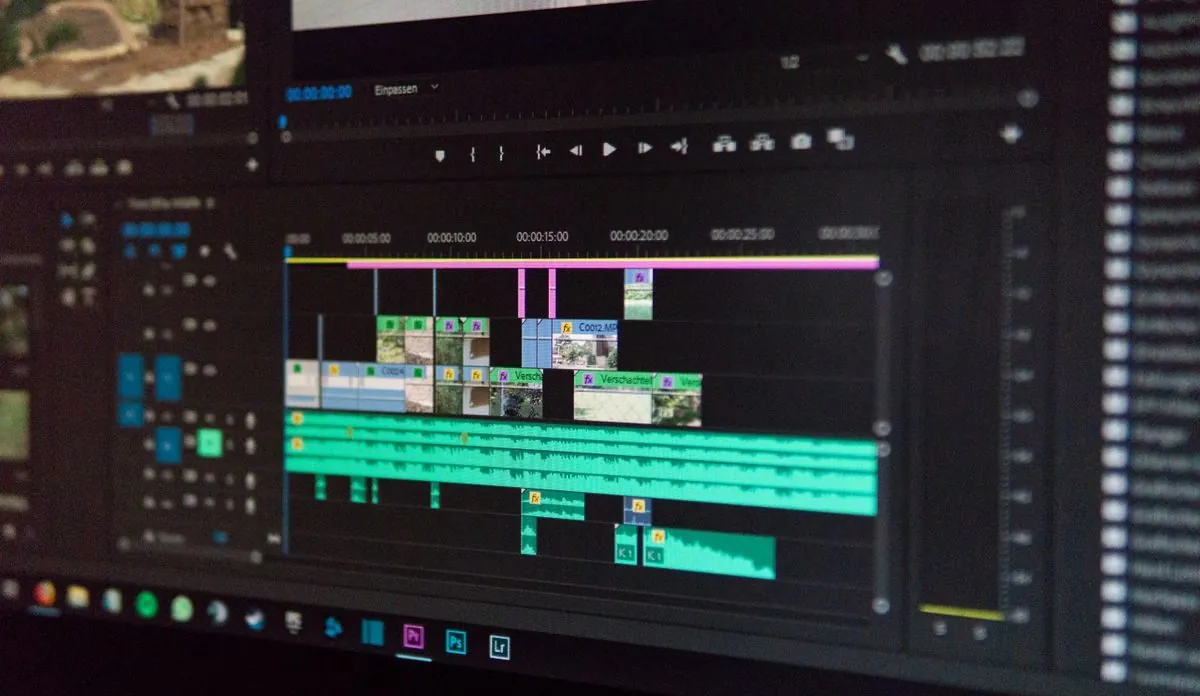
For cinematic motorcycle touring footage — sunsets on the Cabot Trail, golden hour on Highway 28 through Algonquin — DaVinci Resolve's color grading is unmatched. I color grade my best moto footage in Resolve even when I've cut the timeline elsewhere. The AI color matching tool (in Studio) can match footage from different cameras — my Insta360 Ace Pro 2 and X5 shots look seamless with one click.
Premiere Pro — Best for Professionals
Adobe Premiere Pro
$59.99/month (Creative Cloud)
Premiere Pro added Firefly-powered generative extend, Auto Reframe, and AI audio cleanup in 2024-2026. If you live in the Adobe ecosystem, these features integrate seamlessly.
Pros:
- Industry standard — best for complex multi-camera productions
- After Effects integration is unmatched
- Firefly AI generative extend and auto reframe
- Massive plugin ecosystem
Cons:
- Most expensive option at $59.99/month
- AI features feel bolted on, not built in
- Steep learning curve for non-professionals
- Subscription lock-in
Premiere is overkill for most solo YouTube creators. If you're not already in the Adobe ecosystem, there's no compelling reason to switch to it in 2026. The AI features are good but not better than what Descript and DaVinci offer at a fraction of the cost.
Filmora — Best for Beginners
Wondershare Filmora
$49.99/year
Filmora is the approachable, affordable timeline editor for creators who want traditional editing with helpful AI features. Smart cutout, noise removal, auto-beat sync — all work well for casual use.
Pros:
- Easiest traditional editor to learn
- AI smart cutout and noise removal work well
- One-time yearly cost (not monthly subscription)
- Good template library for quick starts
Cons:
- AI layer is surface-level — no editing decisions
- Not suitable for professional workflows
- Limited color grading compared to DaVinci
- Watermark on free version
Full Comparison Table
| Tool | Price | Best For | AI Depth |
|---|---|---|---|
| Descript | $24/mo (free tier) | Talking-head, podcasts | High (transcript-based) |
| CapCut | Free ($9.99/mo Pro) | Short-form social | Medium |
| DaVinci Resolve | Free ($295 Studio) | Color grading, pro work | Medium (Studio: High) |
| Premiere Pro | $59.99/mo | Professional productions | Medium |
| Filmora | $49.99/yr | Beginners | Low-Medium |
| Runway | $15/mo | Generative AI effects | High (generative) |
My Pick for YouTube Creators
For motorcycle/action content: DaVinci Resolve (free) for the full pipeline — cut, color, audio. The free version handles everything you need. Use CapCut (free) to spin off Shorts and Reels from your long-form footage.
For beginners just starting: Filmora at $49.99/year. It teaches you the timeline workflow without the complexity of Resolve or Premiere, and the AI features help smooth the learning curve.
For short-form only (TikTok/Reels): CapCut (free). Don't overthink it — it's free, fast, and the AI features are genuinely good for social content.
The best tool is the one that matches your workflow. DaVinci Resolve works well for moto touring videos and CapCut for Shorts. For more talking-head tech reviews, Descript adds value to the stack. The point isn't to find one tool that does everything — it's to find the right tool for each job.
Frequently Asked Questions
What is the best AI video editing software in 2026?
For most YouTube creators, Descript ($24/month) is the best for talking-head content with transcript-based editing. CapCut (free) is best for short-form social. DaVinci Resolve (free) is best for professional color grading. Premiere Pro ($59.99/month) remains the industry standard for complex productions.
Can AI edit video automatically?
Yes. AI can now auto-remove silences, generate captions, color grade footage, reframe for different aspect ratios, and even generate B-roll from text prompts. Tools like Descript let you edit by deleting words from a transcript.
Is DaVinci Resolve still free in 2026?
Yes, DaVinci Resolve has a fully functional free version that includes professional color grading, editing, and audio tools. The Studio version ($295 one-time) adds advanced AI features like Magic Mask and neural engine tools.
What is the cheapest AI video editor?
CapCut is completely free with solid AI features including auto-captions and one-tap effects. DaVinci Resolve is also free with professional-grade tools. Filmora starts at $49.99/year for beginners who want a simple timeline.