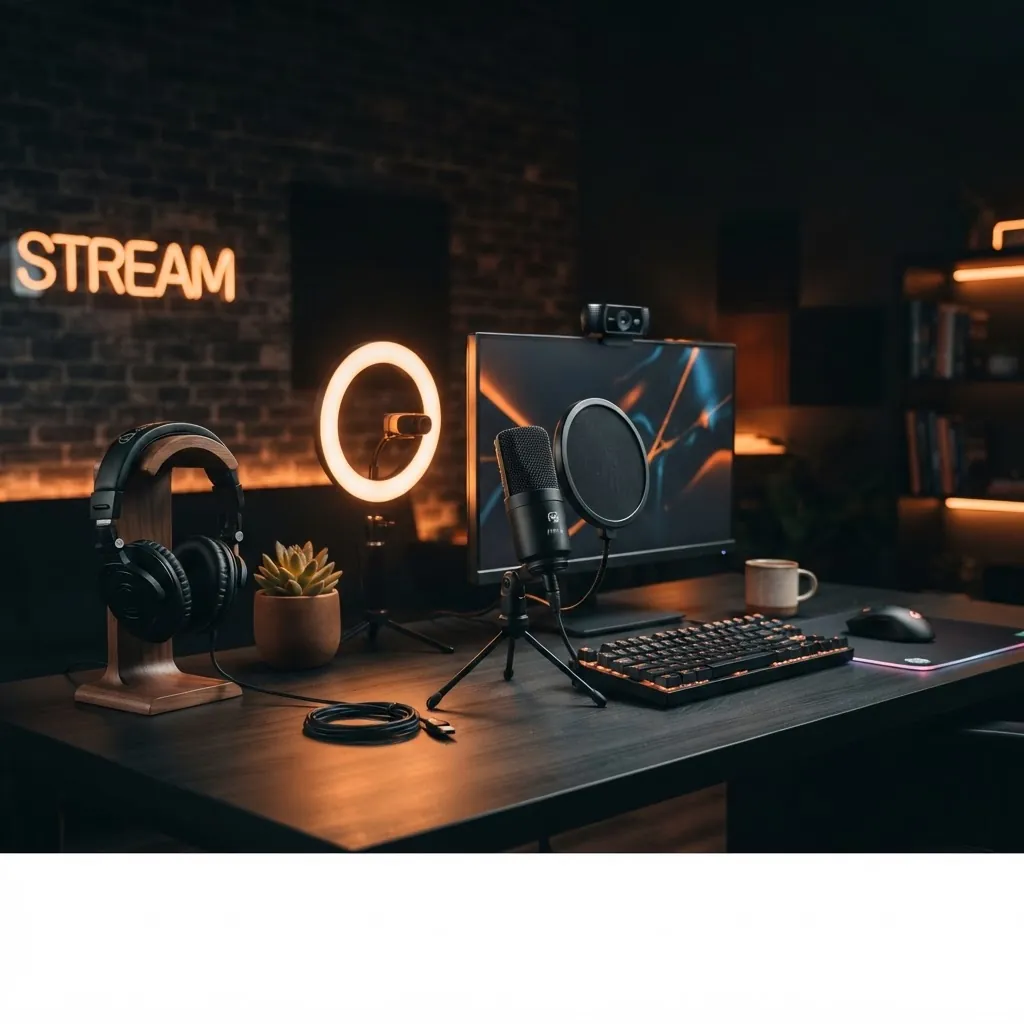
Best Budget Streaming Gear for Beginners in 2026
What's Inside
Why You Don't Need Expensive Gear
If you've watched any "ultimate streaming setup" video on YouTube, you'd think you need to drop $2,000 before hitting the go-live button. That's nonsense. I've been creating content long enough to know that the difference between a $50 microphone and a $400 microphone is about 5% in actual viewer experience. The other 95% is your content, your personality, and your lighting.
Here's the truth: most viewers are watching on phones with tiny speakers. If your audio is clear and your face is lit properly, you're already ahead of half the streams out there. Let's build a setup that gets you 90% of the way there for under $200 CAD (about $145 USD).
The Webcam Situation
Let's settle the webcam debate right now. For beginners, you have three options:
- Use your phone — free, and honestly better than most webcams under $100. Apps like Camo or DroidCam turn your phone into a 1080p (or even 4K) webcam. The catch: you need a mount and a cable.
- Logitech C920/C920x — the classic. Around $80-100 CAD ($60-70 USD). 1080p, decent in good light, struggles in low light. Everyone has one, which means everyone knows what bad C920 footage looks like.
- Elgato Facecam — $130 CAD ($95 USD). 1080p60, better sensor than the C920, but no onboard compression means it eats USB bandwidth.
If you're just starting, use your phone. Seriously. The image quality from a modern phone camera blows away any webcam under $150. Once you're streaming regularly and want something permanent on your desk, grab the C920x.
Logitech C920x Pro Webcam
The gold standard for budget streaming. 1080p, autofocus, built-in mic (don't use it). Works with every streaming software out of the box.
Check Price on Amazon →Microphone: Your Most Important Upgrade
If you only spend money on one thing, make it your microphone. Viewers will forgive bad video. They will not forgive audio that sounds like you're streaming from inside a tin can.
You have two budget-friendly paths:
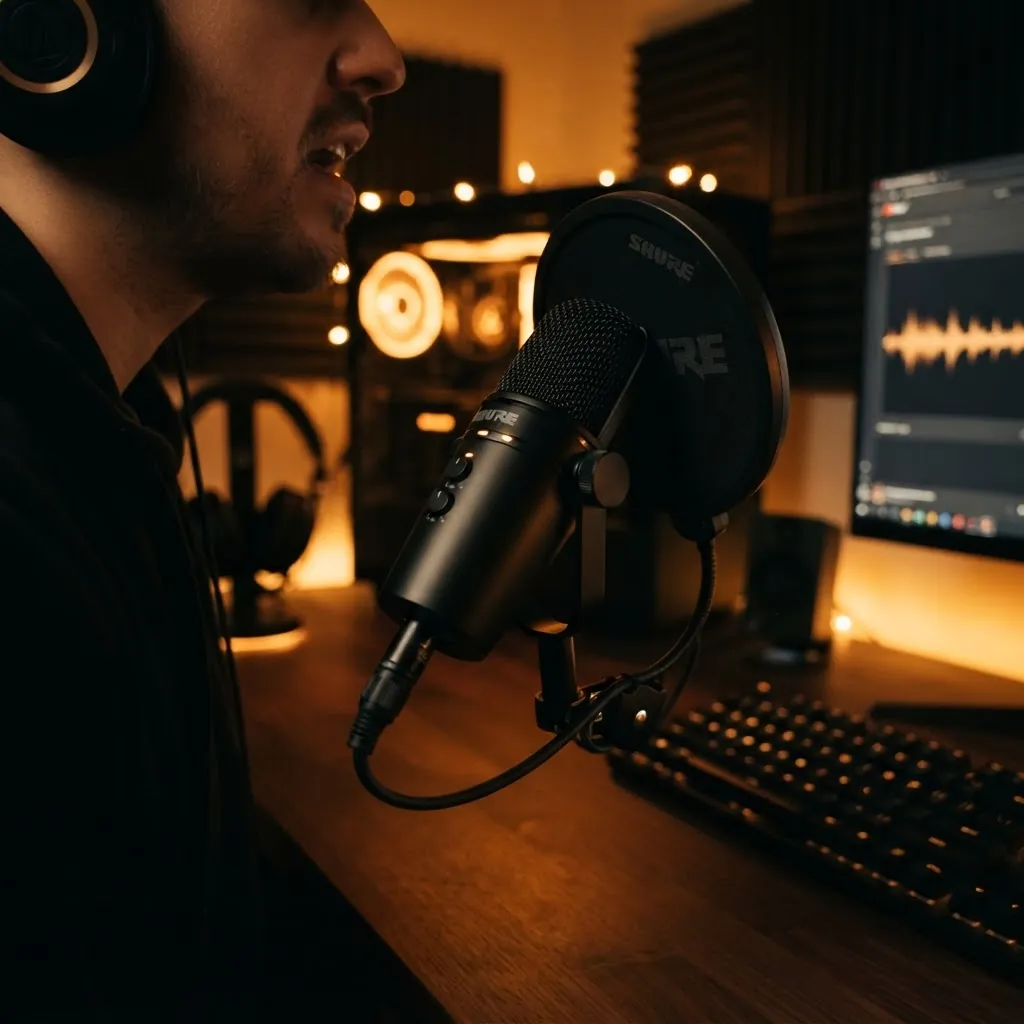
USB Condenser Mics (under $50) — The FIFINE K669B and the Zealsound BD9 (reviewed separately) are both solid choices under $50 CAD. They plug directly into your computer, no interface needed. The FIFINE comes with a stand; the Zealsound has a gain knob right on the mic.
The Rode VideoMic GO II (USB-C) — if you can stretch to $80-100 CAD, this is the one I'd pick. It doubles as an on-camera mic for real-world filming, which makes it more versatile than a desk-only USB mic.
FIFINE K669B USB Microphone
A top budget pick. Cardioid pickup pattern rejects background noise. Comes with a shock mount and stand. Plug and play — no drivers needed.
Check Price on Amazon →One critical tip: position the mic 15-20 cm (6-8 inches) from your mouth, slightly off-axis. Too far and you'll sound distant; too close and you'll get plosives (those harsh "p" and "b" sounds). A $5 foam windscreen fixes most plosive issues.
Lighting on a Shoestring
Here's where most beginners mess up. Good lighting matters more than good camera quality. A $30 ring light with a decent webcam looks better than a $300 webcam in a dark room.
You need exactly one light source to start: a ring light or a softbox placed at a 45-degree angle to your face, about 60-90 cm (2-3 feet) away. That's it.
- Ring light (10-14 inch) — $25-40 CAD ($18-30 USD). The Mactrem 10-inch is fine. The gooseneck phone clip ones are garbage — get one with a tripod stand.
- Window light — free. Seriously. A north-facing window on a cloudy day is better than most artificial lighting under $100. Just don't let direct sun hit your face.
- Smart bulb (Philips Hue or Wyze) — $20-30 CAD. Put it in a desk lamp behind your monitor for fill light. Not ideal but better than nothing.
Mactrem 10" Ring Light with Tripod
Adjustable color temperature (3200K-6500K), phone mount included, tripod extends to 50 inches. The best $30 you'll spend on your stream quality.
Check Price on Amazon →Set your light to around 4500K-5000K for a natural look. Anything cooler looks clinical; anything warmer looks yellow. And please — turn off the overhead ceiling light. Mixing light temperatures is the #1 reason streams look amateur.
Headphones That Won't Leak Audio
You need headphones to monitor your stream and avoid echo. The key requirement: closed-back design so your mic doesn't pick up what you're hearing.
For budget streaming, you don't need audiophile headphones. You need something that fits comfortably for 2-3 hour sessions, doesn't leak sound, and has a mic that works as a backup if your main mic dies.
- OneOdio A70 — $50 CAD ($35 USD). Over-ear, closed-back, Bluetooth + wired. Surprisingly good for the price for monitoring purposes.
- HyperX Cloud Stinger 2 — $70 CAD ($50 USD). Gaming headset with a decent mic. If you're also gaming on stream, this is the better pick.
- Any cheap IEMs (in-ear monitors) — $15-25 CAD. Zero audio leak, but uncomfortable for long sessions. Good as a backup.
OneOdio A70 Bluetooth Headphones
Over-ear closed-back design means zero audio leak into your mic. Dual wired + wireless, 40-hour battery life. The value pick for streamers on a budget.
Check Price on Amazon →The USB Hub Problem Nobody Talks About
Here's the thing nobody mentions in streaming setup guides: once you have a webcam, a USB microphone, a ring light (if it's USB-powered), and maybe a capture card, you're out of USB ports. Most laptops have 2-3 USB ports. Most desktops have 4-6, but half are on the back where you can't reach them.
A powered USB hub solves this. I recently reviewed the Phixero 7-Port USB Hub and it's become a permanent part of my setup. It has individual power switches for each port (so you can hot-swap devices without unplugging), and it's powered, meaning it won't steal bandwidth from your other devices.
Phixero 7-Port USB 3.0 Hub
7 powered USB 3.0 ports with individual power switches. Solves the "out of USB ports" problem every streamer hits. Includes a 3.3 ft (1 m) cable.
Check Price on Amazon →The reason a powered hub matters: unpowered hubs share power across all ports. When your webcam and mic both demand power simultaneously, an unpowered hub can cause dropouts. A $25 powered hub prevents intermittent audio cuts that would otherwise drive you insane trying to debug.
The Full Setup Breakdown
Here's what the complete beginner streaming setup costs:
| Item | Budget Pick | Price (CAD) | Price (USD) |
|---|---|---|---|
| Webcam | Phone (Camo app) or C920x | $0-100 | $0-70 |
| Microphone | FIFINE K669B | $45 | $32 |
| Lighting | Mactrem 10" Ring Light | $30 | $20 |
| Headphones | OneOdio A70 | $50 | $35 |
| USB Hub | Phixero 7-Port | $25 | $18 |
| Total | $150-250 | $105-175 |
That's the entire setup. Under $250 CAD ($175 USD) if you buy the webcam, under $150 CAD ($105 USD) if you use your phone as the camera.
Before Your First Stream
- Test your audio levels — aim for -20dB to -15dB peak
- Set your webcam to 1080p, 30fps (don't use 60fps unless your internet can handle it)
- Turn off all overhead lights, use only your ring light
- Close all unnecessary apps — browsers eat CPU and cause frame drops
- Do a 5-minute test stream (set it to private) and watch it back on your phone
One last thing: OBS Studio is free and it's what the pros use. Don't pay for streaming software. Don't pay for overlays until you've streamed 10 times and know what you actually need. Start minimal, upgrade based on real problems, not hypothetical ones.
Frequently Asked Questions
What is the best budget streaming setup for beginners?
The best budget streaming setup under $200 CAD includes a decent webcam or smartphone camera, a USB microphone, a ring light, and a simple boom arm. Start with audio quality first — viewers tolerate poor video but not poor audio. A $40-60 USB mic is the single biggest upgrade you can make.
How much does it cost to start streaming?
You can start streaming for under $200 CAD if you already own a computer. A budget streaming setup includes a USB microphone ($40-80), webcam or phone mount ($30-60), ring light ($20-40), and headphones ($30-50).
Do you need a capture card to start streaming?
No. Capture cards are only needed if you want to stream console gameplay or use a DSLR as a webcam. For PC streaming with a webcam or USB mic, no capture card is required. Software like OBS Studio handles everything natively.
What is more important for streaming — audio or video?
Audio. Viewers will tolerate lower video quality but will leave immediately if audio is poor. Invest in a good USB microphone before upgrading your camera. A $50 USB mic outperforms a $200 webcam for stream quality.
Related Articles
Buy on Amazon
Affiliate Disclosure: As an Amazon Associate I earn from qualifying purchases. If you buy through these links, I may earn a small commission at no extra cost to you.
Comments
Join the conversation. Comments are reviewed before appearing.