How Do You Reduce Action Camera Wind Noise? A Motorcycle Audio Guide
Wind noise is the number one audio problem for motorcycle action camera footage. It ruins vlogs, drowns out your voice at highway speeds, and makes content unwatchable. After thousands of kilometres of recording on Insta360 and GoPro cameras, here is what actually works — from mic placement to post-production cleanup.
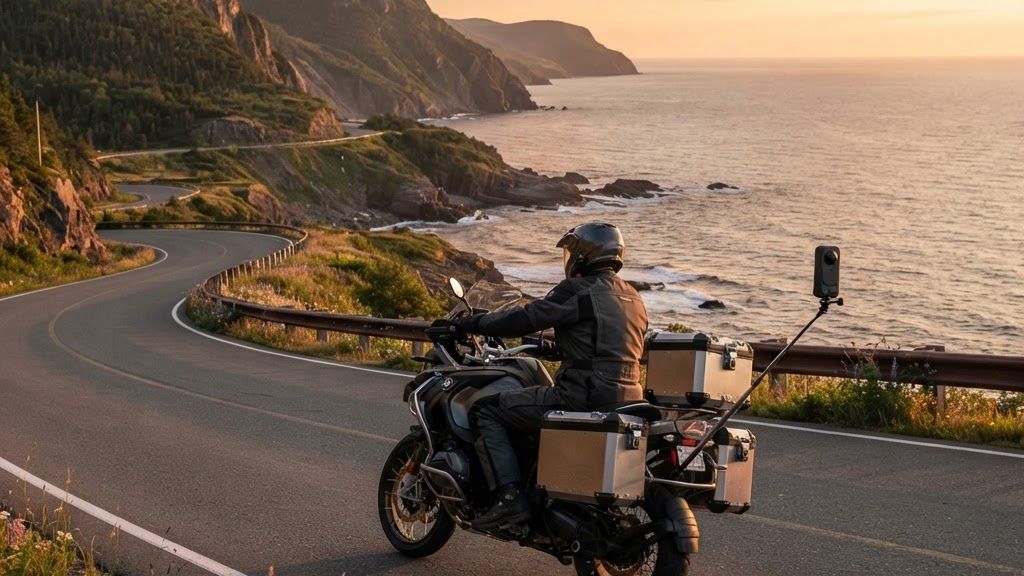
Table of Contents
Why motorcycle wind noise is so hard to fix
At highway speeds (100-120 km/h or 62-75 mph), the wind hitting your helmet and camera creates low-frequency rumble at 80-200 Hz that overwhelms the microphone. Most action cameras have tiny built-in microphones that pick up everything — wind, engine noise, road noise, and your voice — with no way to isolate the good audio from the bad. The mic is physically exposed to the wind because the camera is designed to be mounted anywhere, including in the direct airflow.
Adding to the problem, motorcycle helmets create a unique acoustic environment. The inside of a helmet is a resonant chamber that amplifies certain frequencies. When you mount a camera on the outside of the helmet, the mic is in full airflow. When you mount it inside, the mic picks up helmet echo and breathing noise. There is no perfect position — only trade-offs.
Start with mic placement
Where you mount the camera is the single biggest factor in wind noise. The goal is to get the microphone out of the direct airstream while keeping the camera where you want it for the shot.
Best positions for wind noise reduction:
- Chin bar, inside: Mount the camera on the chin bar of your helmet with the mic facing inward. This puts the mic in the relatively calm air inside the helmet, behind the breath guard. Wind noise is dramatically reduced. The trade-off: your voice may sound muffled and you will hear breathing.
- Side mount, low: Mount on the side of the helmet, below the visor line. The airflow here is less turbulent than on top. Use a foam windscreen over the mic.
- Chest mount: A chest-mounted camera puts the mic behind your body, out of direct wind. This is the quietest position for audio but changes your camera angle.
Worst positions for wind noise:
- Top of helmet: This is the worst position for wind noise. The camera is in the fastest, most turbulent airflow. The mic will be overwhelmed by wind at any speed above 50 km/h (31 mph).
- Handlebar mount: The mic picks up engine vibration and wind off the front of the bike. Usable at low speeds but terrible on the highway.
For 360 cameras like the Insta360 X5, the built-in mics are omnidirectional and capture wind from all directions. The X5 has a wind noise reduction feature in-camera, but physical wind protection still helps significantly.
Choose the right wind protection
Wind protection is the cheapest and most effective fix. Here is what works:
| Type | Effectiveness | Cost | Best for |
|---|---|---|---|
| Foam windscreen | Low (reduces light breeze) | $5-$10 | City riding under 60 km/h (37 mph) |
| Furry wind muff (dead cat) | Medium-High (breaks up airflow) | $15-$30 | Highway riding, most conditions |
| Custom foam insert | High (blocks wind from mic port) | $10-$20 DIY | Insta360/GoPro internal mics |
| Windjammer-style cover | Very High | $25-$40 | Professional use, extreme wind |
For Insta360 cameras, a foam insert inside the mic port (under the waterproof case or directly on the camera body) reduces wind noise significantly. You can make one from high-density acoustic foam cut to fit the mic opening. For GoPro, the Foam Windslayer is a popular aftermarket cover that slides over the camera and blocks wind from the mics.
Camera settings that reduce wind noise
Most modern action cameras have built-in wind noise reduction. Enable it:
- GoPro HERO13: Settings > Audio > Wind Noise Reduction > On. This applies a DSP filter that cuts low-frequency wind rumble. It also reduces overall audio quality slightly but the trade-off is worth it at highway speeds.
- Insta360 X5: Audio settings include a wind noise reduction toggle. The X5's PureVideo mode also helps because it processes audio alongside video stabilization. Enable wind reduction in the Insta360 app or directly on the camera.
- Insta360 Ace Pro 2: Similar wind reduction toggle. The Ace Pro 2 has better internal mics than the X5 for directional audio.
- Insta360 GO 3S: The GO 3S has limited audio settings due to its tiny size. Wind protection is almost entirely physical — you need a foam cover over the mic port.
Record at the highest audio bitrate available. Higher bitrate audio gives you more to work with in post-production. 48 kHz / 16-bit is standard; some cameras offer 48 kHz / 24-bit. Always use the highest setting.
Avoid auto-gain control (AGC) if possible. AGC boosts quiet sounds (including wind) when nothing loud is happening. If your camera lets you set manual audio levels, set the gain so your voice peaks at -12 dB. This prevents wind noise from being amplified by the auto-gain.
External microphones: worth it?
An external microphone mounted inside your helmet, away from the wind, produces dramatically better audio than any built-in camera mic. Options:
- Senheisser Memory Mic: Wireless lavalier mic that pairs with your phone or camera. Mount inside the helmet near your mouth. Bluetooth connection. $200.
- Sena 50S / Cardo Packtalk Edge: Your helmet intercom already has a mic inside the helmet. Some models can record audio to a separate file via Bluetooth. Sync in post-production.
- Wired lavalier mic to camera: A $20 lavalier mic run from the camera's audio input to inside the helmet. Cheap and effective, but the cable can be annoying.
- Phone as separate audio recorder: Start a voice recording app on your phone, keep the phone in your jacket pocket, and sync the audio in post-production. Free and the quality can be excellent.
For motorcycle vlogging, the phone-in-pocket method is surprisingly good. Your phone's mic is designed for voice and sits in a relatively quiet environment inside your jacket. Record audio on the phone, record video on the camera, and sync in editing using a hand clap at the start of the ride.
Clean up audio in editing
Even with the best physical protection, some wind noise will make it into your recording. Here is how to clean it up in post:
- Adobe Premiere Pro: Essential Sound panel > Reduce Noise > Reduce Rumble. Set rumble reduction to target 80-200 Hz. Use the DeReverb effect to reduce helmet echo.
- DaVinci Resolve: Fairlight tab > Noise Reduction > Voice Isolation. The Voice Isolation plugin is excellent at separating voice from wind noise. Set the dialogue threshold and adjust the reduction amount.
- Final Cut Pro: Audio effects > EQ > reduce frequencies below 200 Hz. Then apply Noise Reduction effect with a higher threshold.
- Adobe Podcast (free): Upload your audio file to podcast.adobe.com and it will automatically remove wind noise and enhance voice. The results are often better than manual editing. Free.
- Audacity (free):strong> Effect > Noise Reduction. Take a noise profile from a section with only wind, then apply reduction to the whole track. Also apply a low-cut filter at 100 Hz.
For quick cleanup, Adobe Podcast Enhance Speech is the fastest path — upload the file, wait 30 seconds, download the clean audio. It is free and works remarkably well for motorcycle footage.
What I use on my Indian Pursuit
After trying many combinations, here is my actual setup that works for both my tech and moto channels:
- Camera: Insta360 X5 mounted on a chin bar mount, with a foam insert in the mic port
- Audio backup: Sena 50S intercom mic inside the helmet, recording to a separate audio file
- Post-production: DaVinci Resolve Voice Isolation for cleanup, synced with camera audio
- B-roll camera: Insta360 GO 3S on a selfie stick, audio replaced entirely with intercom or phone recording in post
The combination of physical wind protection (foam insert) plus in-helmet audio (Sena mic) plus post-production cleanup (DaVinci Voice Isolation) produces audio that is clear and professional, even at highway speeds. No single solution works alone — it is the combination that matters.
Related Articles
Best Budget Action Camera 2026: Tested After 200,000 km Can AI Glasses Replace an Action Camera on a Motorcycle? SmallRig Portable Action Camera Tripod Review (2026) Thermal Imaging for Motorcycle Maintenance | Find — FullFrequently Asked Questions
No. But with physical wind protection, proper mic placement, and post-production cleanup, you can reduce it to the point where it is not distracting. The goal is clean, understandable voice audio — not studio-quality silence.
Not necessarily. A foam insert over the camera mic port plus DaVinci Voice Isolation in post can produce good results. An external mic inside the helmet is better but adds complexity and cost.
A $5 foam windscreen over the mic port, recording at the highest audio quality setting, and using free Adobe Podcast Enhance Speech for post-production cleanup. Total cost: $5.
Yes, the built-in wind reduction helps but it is not enough alone at highway speeds. Combine it with physical wind protection (foam insert) for best results.
Information checked August 22, 2026. Camera firmware and audio features change with updates — verify current settings for your specific model.