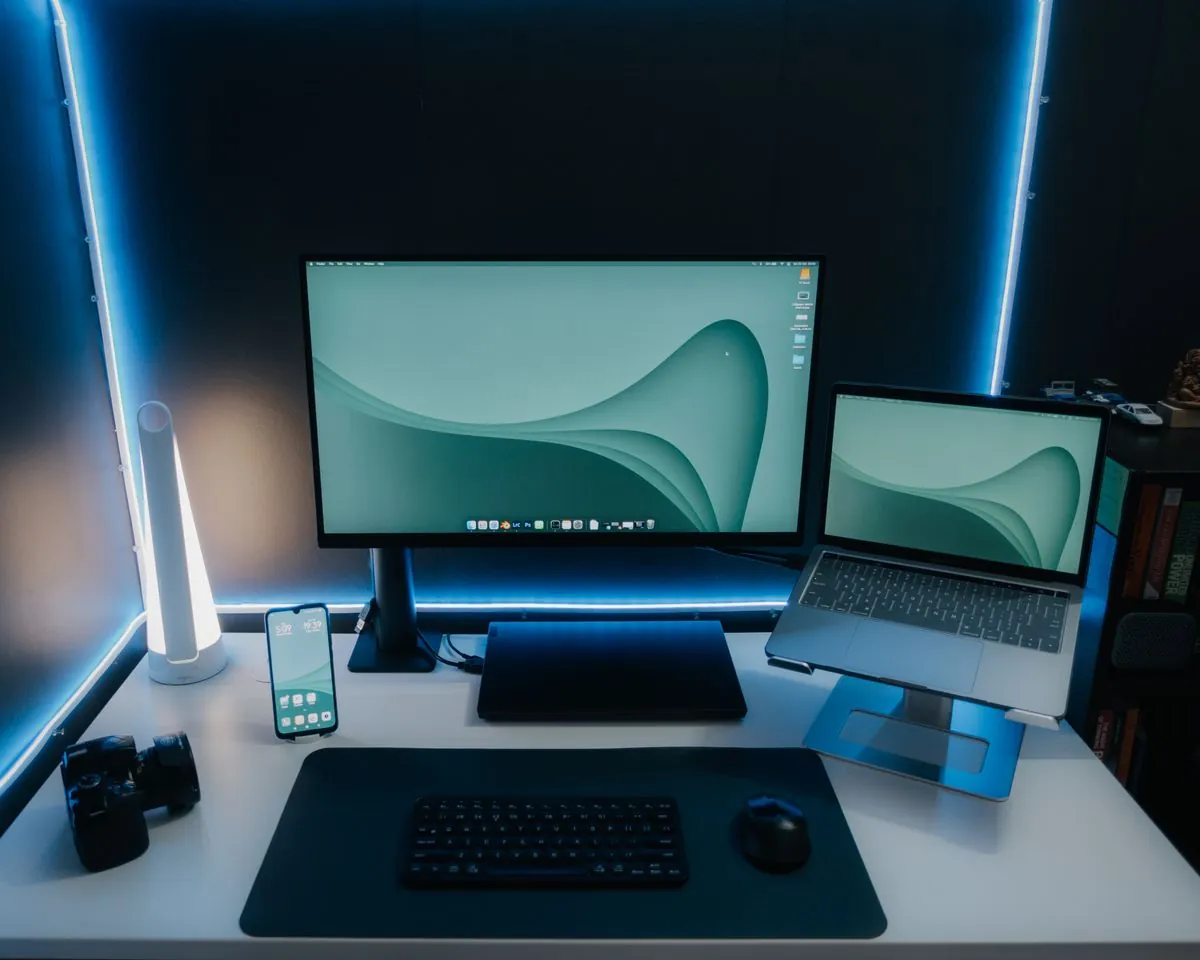
Best Portable Monitor for Laptop 2026 — What's Actually Worth Buying
For video editing on the road — motorcycle trip vlogs, gear reviews, and hotel room work sessions — portable monitors are essential. Here's what the spec sheets don't tell you about Kefeya, Arzopa, and other options.
Quick note: "portable monitor" now covers everything from a single 15" panel you slide in a sleeve to a full triple-screen extender that clips onto your laptop. They're very different products solving very different problems — so I've split this into two categories.
In This Article
Best Triple Portable Monitor: Kefeya S6
I reviewed the Kefeya S6 on my YouTube channel and it genuinely surprised me. The setup takes about 90 seconds — clip it onto the back of your laptop screen, connect USB-C, done. Two full 13" panels extend from both sides of your laptop giving you three displays total.
What works well
- Setup is legitimately fast — no drivers, no complicated config on Mac or Windows
- The displays are bright enough for normal indoor use — hotels, coffee shops, offices
- Both panels fold flat when you pack it — it goes into a slim sleeve
- For video editing, having a timeline on the left and a reference monitor on the right while your main screen runs Premiere is a legitimate workflow upgrade
- Weight is manageable for a bag you're already carrying a laptop in
Honest limitations
- The side panels are 1080p — don't expect Retina-level sharpness on a MacBook Pro screen
- Brightness in direct sunlight is inadequate — outdoor cafes with sun on the screen are a problem
- Requires two USB-C ports or one Thunderbolt 4 port — check your laptop before buying
- It makes your laptop setup noticeably wider — not great in tight airplane or train seats
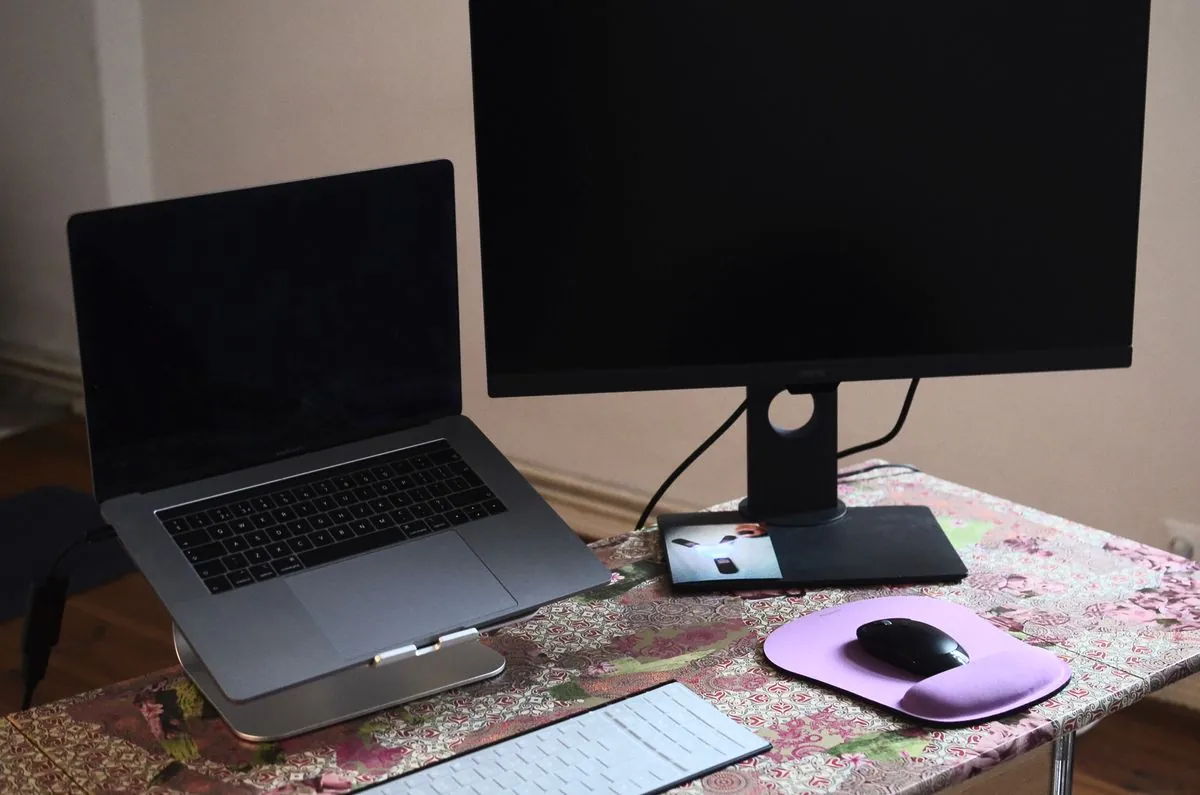
Best Single Portable Monitor: Arzopa Z1FC
If you want one extra screen rather than two, the Arzopa Z1FC is the best value in the category right now. It's 15.6", 1080p, USB-C powered, and comes with a decent kickstand case. The price point undercuts most competitors significantly while delivering image quality that's genuinely good for productivity work.
Why the Arzopa wins the budget single-screen category
- Single USB-C cable powers and connects — minimal desk clutter
- 144Hz refresh rate option — unusually good for a budget portable panel
- IPS panel with decent colour accuracy — usable for photo editing in a pinch
- The included magnetic cover doubles as a stand at multiple angles
Who Actually Needs a Portable Monitor
Be honest with yourself before buying. A portable monitor genuinely adds value if you:
- Edit video or photos on a laptop away from your main desk regularly
- Work from hotels, client sites, or co-working spaces more than a couple times a month
- Code with multiple windows open and feel cramped on a single 13–15" screen
- Travel for work and find yourself doing multi-tab research or spreadsheet work
If you only work from home 90% of the time, a second desktop monitor is almost always a better investment than any portable option.
What to Check Before Buying Any Portable Monitor
- USB-C compatibility: Your laptop's USB-C port needs DisplayPort Alt Mode to drive a display. Check your laptop's spec sheet — not all USB-C ports support this.
- Available ports: Triple monitors like the Kefeya S6 need two USB-C ports or a Thunderbolt 4 port. MacBook Air M2/M3 only has two USB-C ports — one gets used for power.
- Resolution: 1080p is fine for productivity. If you're doing colour-critical photo or video work, look for 2K minimum.
- Brightness: 300 nits is the minimum for indoor use. Anything lower will feel washed out in brightly lit rooms.
Frequently Asked Questions
What is the best portable monitor for laptop in 2026?
The Kefeya S6 triple monitor is the best option for creators and remote workers who need maximum screen real estate. For single-screen portability, the Arzopa Z1FC is the best value at under $150.
Are triple portable monitors worth it?
Yes for content creators, programmers, and remote workers who regularly work from hotels or co-working spaces. The Kefeya S6 turns any laptop into a three-screen workstation in under two minutes and packs flat into any laptop bag.
Do portable monitors work with any laptop?
Most portable monitors connect via USB-C and require DisplayPort Alt Mode. Check your specific laptop's USB-C spec before buying — especially on budget Windows laptops where not all USB-C ports support video output.
Is the Kefeya S6 good for video editing?
Yes for on-the-go editing. The side panels at 1080p are fine for a timeline view and reference monitor. For colour-critical grading you'd want a better display — but for assembly cuts and export previewing it's a solid travel setup.
Related Articles
Some links in this article are affiliate links. If you purchase through them I may earn a small commission at no extra cost to you. All opinions are my own based on real-world testing.