Wi-Fi 7 vs Wi-Fi 6: Is It Finally Time to Upgrade Your Router?
Wi-Fi 7 promises 46 Gbps theoretical speeds, MLO, and better handling of crowded airwaves. Who actually needs it, and who should keep their Wi-Fi 6 box?
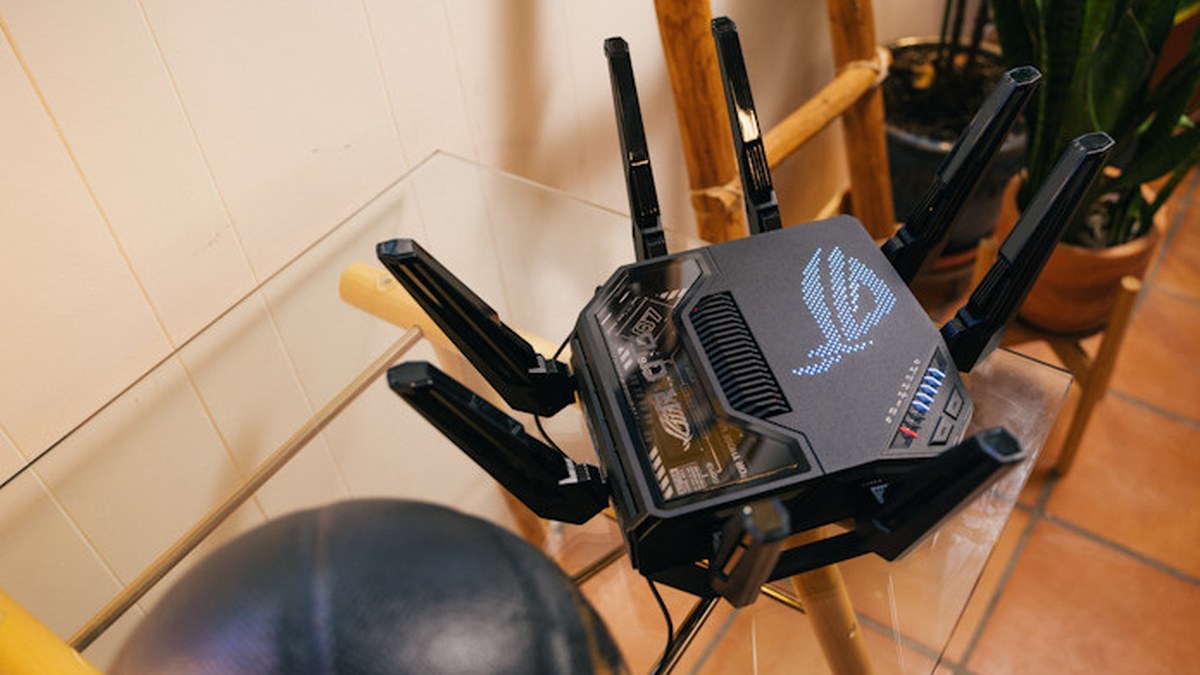
Image: Property of ASUS
In this article
What actually changed
Wi-Fi 7 (802.11be) is the biggest jump in years, and most of it is not about raw headline speed. The theoretical maximum rises from Wi-Fi 6's 9.6 Gbps to 46 Gbps, with real-world single-device speeds of 2,000 to 5,000 Mbps in ideal conditions. The changes that matter day to day: Multi-Link Operation lets a device send and receive over multiple bands at once, 320 MHz channels double the width of Wi-Fi 6's widest, and 4K QAM packs more data into each transmission. The net effect is lower latency and steadier connections in busy homes.
Who should upgrade now
- Anyone still on Wi-Fi 5 or older. The jump is enormous, and a modern router fixes more problems than any single device upgrade.
- Homes with many simultaneous devices, especially with smart home gear, cameras, and consoles competing.
- Multi-gig internet subscribers. If you pay for more than 1 Gbps, a Wi-Fi 6 router may be the bottleneck inside your own walls.
- Anyone moving big files across the network, like backing up or editing 10-bit camera footage between machines. This is my own use case: transferring video projects between the Mac Studios is where multi-gig Wi-Fi genuinely changes the workflow.
Who should wait
If your Wi-Fi 6 router is stable, your internet plan is under 500 Mbps, and nobody complains about buffering, there is no urgent reason. Wi-Fi 7 client support is still rolling out across laptops and phones, so a Wi-Fi 7 router today mostly benefits the devices you buy tomorrow. An upgrade to solve a coverage problem is usually better solved with mesh nodes than with a new standard.
What to look for in a Wi-Fi 7 router
Match the router to your internet plan and your wiring. A 2x2 BE-class router is plenty for most homes; the quad-band flagships are for enthusiast networks. Check that it has at least one 10 Gbps port if you have multi-gig service, and remember that the strongest Wi-Fi 7 features need Wi-Fi 7 clients to fully show up. Buy for the backhaul and ports first, the logo second.
Frequently asked questions
Is Wi-Fi 7 worth upgrading to from Wi-Fi 6?
If your network is stable and your internet plan is under 500 Mbps, no. If you have many devices, multi-gig internet, or move large files across the network, yes.
How much faster is Wi-Fi 7 than Wi-Fi 6?
Theoretical maximums are 46 Gbps for Wi-Fi 7 versus 9.6 Gbps for Wi-Fi 6, with real-world single-device speeds of 2,000 to 5,000 Mbps in ideal conditions.
Do older devices work with a Wi-Fi 7 router?
Yes. Wi-Fi 7 routers are backward compatible with Wi-Fi 6, Wi-Fi 5, and older devices, which often see steadier connections on the newer router.