
Photo: property of CarpodGo, official product images
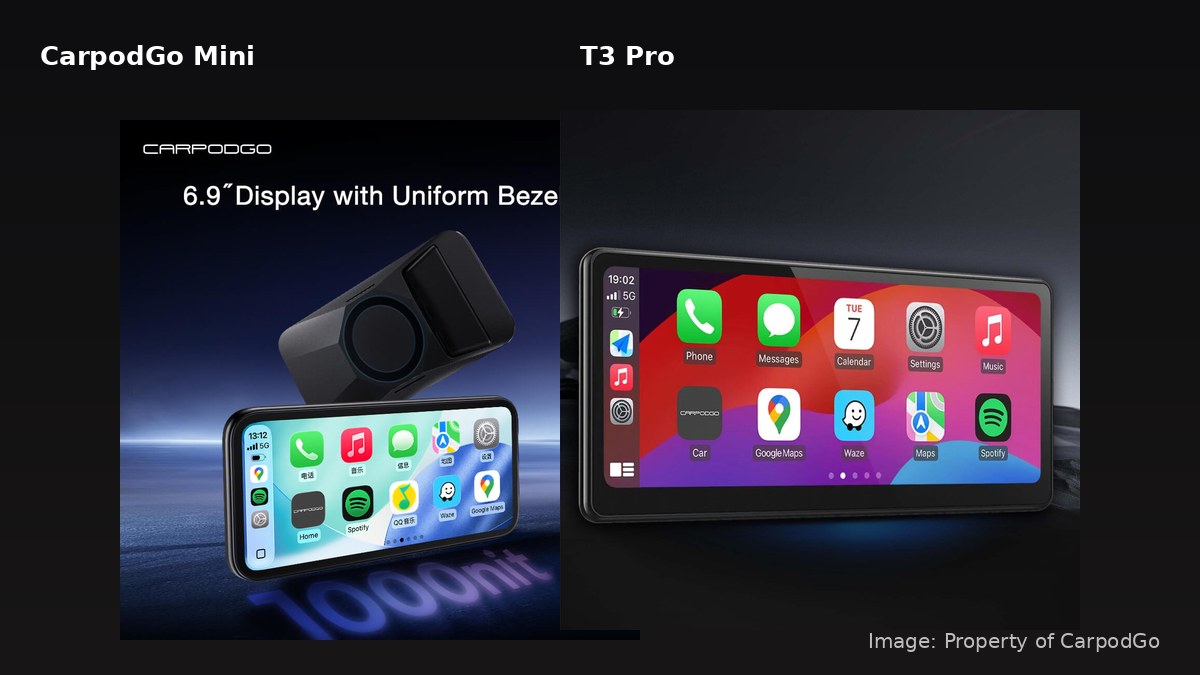
CarpodGo sells two portable CarPlay screens that do the same basic job, and the price gap between them is $130. The Mini is $119.90 on CarpodGo's own store. The T3 Pro is $249.90. Both give an older car CarPlay without a head unit swap, both run wireless CarPlay, and both have a display-only Bluetooth mode that leaves your phone on the car's own audio. So the question is not which one works. It is whether the bigger screen and heavier mount are worth more than double the money, and the answer changes depending on where the screen has to live.
What the $130 Actually Buys
Put the two product pages side by side and the differences group into four things: screen size and resolution, the mount, the startup time, and the mounting footprint on your dash.
| Spec | CarpodGo Mini | CarpodGo T3 Pro |
|---|---|---|
| Price on CarpodGo store | $119.90 | $249.90 |
| Display | 6.9in IPS, 1600x720, 254 PPI, 1000 nits | 8.9in, 1920x720, 60fps |
| Lamination | Fully laminated | Fully laminated |
| Mount | MagSafe magnetic plate | 8KG magnetic base, 17mm ball head, centre bracket |
| Power | USB-C PD, 9V/1A | USB Type-C |
| Startup to CarPlay | Linux fast boot | About 12 seconds |
| Dimensions | 164 x 81 x 13mm, 4mm bezels | Not published on the product page |
| Rear camera input | Optional AHD 1080p | Not stated on the product page |
One currency note before anyone adds either to a cart: CarpodGo's spec blocks do not state a currency, so treat the list prices above as store currency and confirm what your screen shows at checkout rather than assuming USD or CAD.
The Mini: Small Footprint, One Real Catch
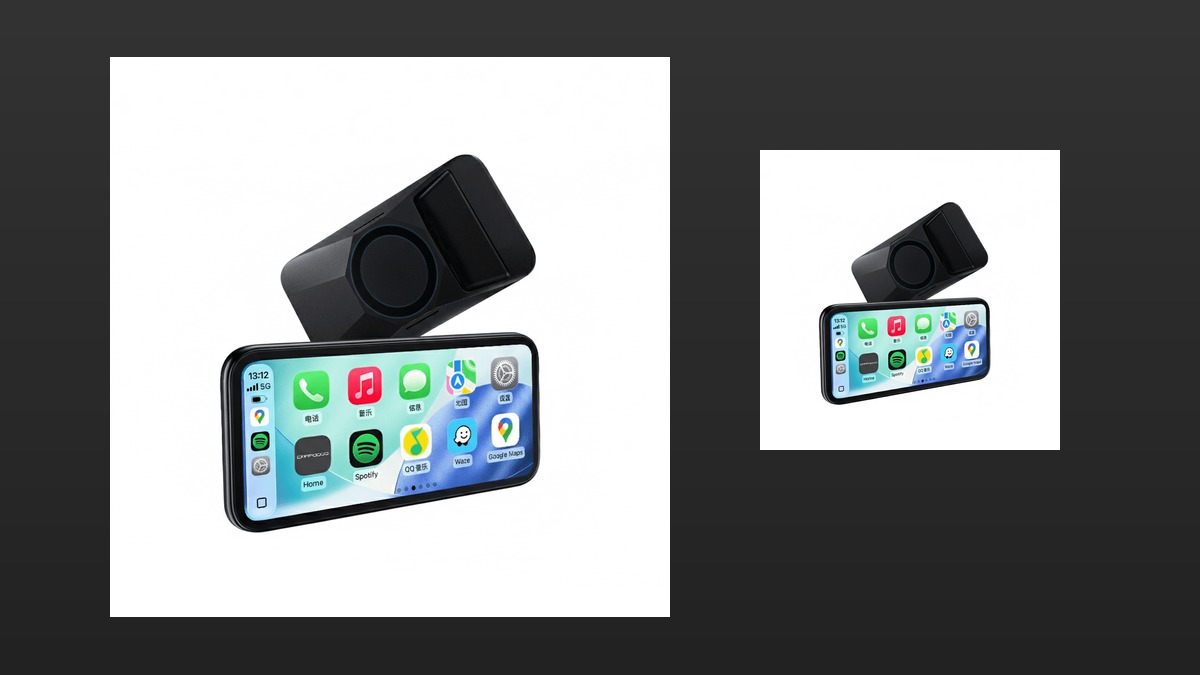
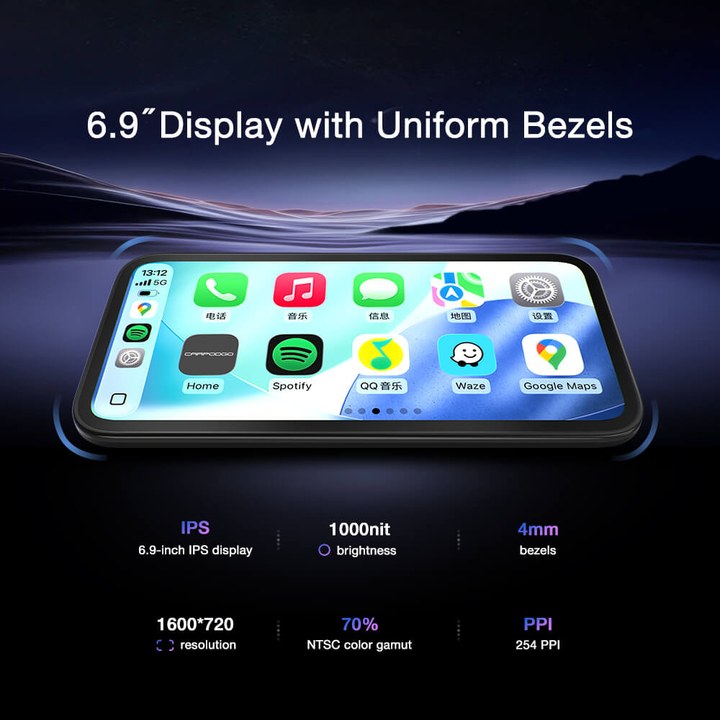
The Mini is a 6.9-inch panel in a body 164mm wide, 81mm tall and 13mm deep, with bezels that are a uniform 4mm on all four sides. That uniformity is why it looks like a small tablet rather than a cheap screen with a fat chin. At 1600x720 with 254 PPI and 1000 nits, it is bright enough that the spec sheet is doing the work a lot of budget units fake with glossy reflections.
The catch is power, and it is the single most common reason these screens get returned. The Mini takes USB-C with PD at 9V/1A, and CarpodGo's own page says USB-A is strictly forbidden at 5V. A 5V USB-A socket will not boot it, so the free USB-A port in your dash is not a substitute for the supplied adapter.
The Mini's mount is MagSafe-style magnetic, which means snap on, snap off. That is the feature that matters if the screen lives in a work van or a car you park on the street, and it is also why the Mini works as a screen you move between two vehicles.
The T3 Pro: Bigger Screen, Heavier Mount
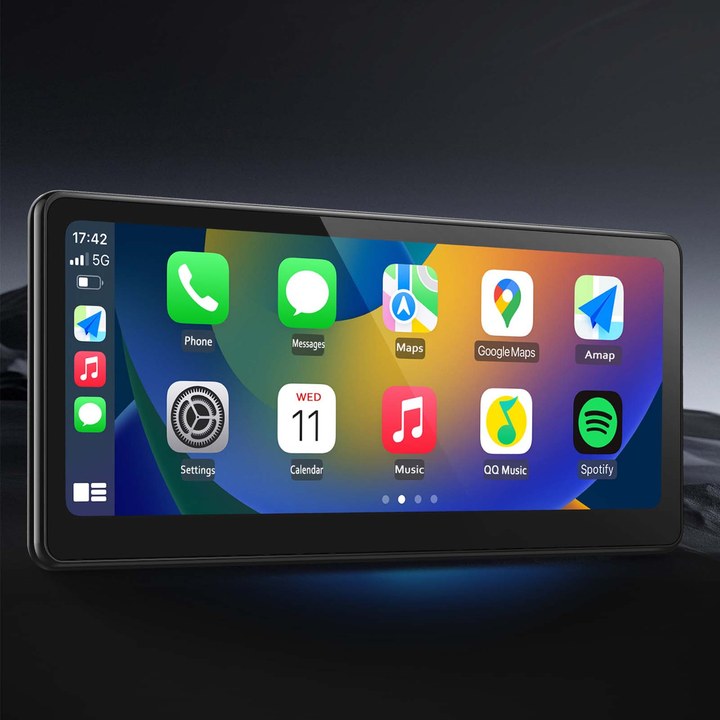
The T3 Pro's headline is the 8.9-inch display at 1920x720 and 60fps, fully laminated. More horizontal pixels than the Mini, and a physically larger panel. For CarPlay, which is mostly a tiled grid and a map, the larger screen is not a luxury: map labels and touch targets both get bigger, and at a glance in sunlight that is the difference between reading the next turn and guessing at it.
The mount is the part people skip over when comparing prices. The T3 Pro uses an 8KG magnetic base with a 17mm ball head bracket and a central control bracket, powered by Type-C. That is a substantially more serious piece of hardware than a magnetic plate, and it is what lets a screen this size stay put over rough pavement. It is also bulkier, and bulk on a windscreen or dash is the whole reason some people buy the Mini instead.
CarpodGo states roughly 12 seconds from power-on to the CarPlay display. That is worth knowing if you are the type who wants navigation live before the engine is warm.
Both Have the Mode Most People Never Find
This is the setting that determines whether either screen is genuinely good or merely tolerable. The Mini has a Pure Display Bluetooth mode, and the T3 Pro has a Display-Only Bluetooth mode. In both cases the screen handles only the picture while your phone stays paired to the car's own Bluetooth for audio. Maps, music and calls then run through the car's stereo, steering wheel buttons and microphone, instead of through the little speaker and mic in the screen.
Skip that mode and you have spent good money to make your car's audio worse. Find it on day one.
Both screens also carry the same physical caveat from CarpodGo's own documentation: on a Tesla, the cigarette lighter port is the only one that cuts power when the car is off. If you plug either screen into another port, expect it to keep drawing until the car decides otherwise.
Which One to Buy
Buy the Mini if the screen has to share space with a mirror, a sun visor or a windscreen that is already busy, if you want to move the screen between vehicles, or if $119.90 is the budget. At 164 x 81 x 13mm it is not going to dominate a dashboard, and the MagSafe mount makes it a two-second removal. Accept the 9V USB-C PD requirement as a hard rule and the Mini does the job.
Buy the T3 Pro if the screen is going to live in one vehicle and you want the larger 8.9-inch 1920x720 panel, the heavier 8KG magnetic base, and the 12-second startup. The extra $130 buys physical size and mounting stability, not a different software experience: both run wireless CarPlay with a display-only audio mode.
The honest summary: this is a screen-size and mount-bulk decision, not a features decision. Neither product page documents a battery, so do not plan on running either one off its own power. Both need the car's supply, and the Mini needs a proper PD one.
If you are still deciding whether a portable screen is the right answer at all, my CarpodGo Mini review covers what living with one is actually like, and the guide to dash cams in Canada covers the other thing people mount on a windscreen.
Frequently Asked Questions
Does the CarpodGo Mini work with a normal USB-A car charger?
No. CarpodGo's product page states the Mini takes USB-C with PD at 9V/1A and that USB-A is strictly forbidden at 5V, so a USB-A socket will not power it properly. Use the supplied adapter or a USB-C PD source.
Is the T3 Pro screen actually bigger than the Mini?
Yes. CarpodGo's T3 Pro listing describes an 8.9-inch display at 1920x720. The Mini is a 6.9-inch 1600x720 panel measuring 164 x 81 x 13mm.
Do I need the car's Bluetooth as well as the screen?
For good audio, yes. Both units have a display-only Bluetooth mode where the screen handles video while the phone stays connected to the car's own Bluetooth for music and calls through the car stereo and microphone.
Can I run either screen off a battery?
Neither product page documents a battery, so plan on powering the screen from the car. The Mini needs a USB-C PD supply at 9V/1A.
Does the Mini take a reversing camera?
The Mini supports an optional AHD 1080p rear-view camera input. That camera is sold separately and is not in the box.
Which one suits a small car?
The Mini. At 164mm wide and 13mm deep with 4mm bezels it takes far less dashboard and windscreen space, and the MagSafe mount lets you lift it off in a second.
Are these prices in US or Canadian dollars?
CarpodGo's product pages do not state a currency on the price, so confirm what your checkout shows rather than assuming. The published figures are $119.90 for the Mini and $249.90 for the T3 Pro.
Sources
- CarpodGo Mini product page. price, 6.9in 1600x720 display, 164 x 81 x 13mm, USB-C PD 9V/1A rule, MagSafe mount, Pure Display Bluetooth mode, AHD camera input.
- CarpodGo T3 Pro product page. price, 8.9in 1920x720 display, 8KG magnetic base with 17mm ball head, Type-C power, 12-second startup, Display-Only Bluetooth mode.