4K vs 8K for YouTube: Do Creators Actually Need 8K in 2026?
8K cameras are everywhere in 2026, but does YouTube 8K actually get you more views? The real costs in storage, editing and uploads, and when 4K wins.
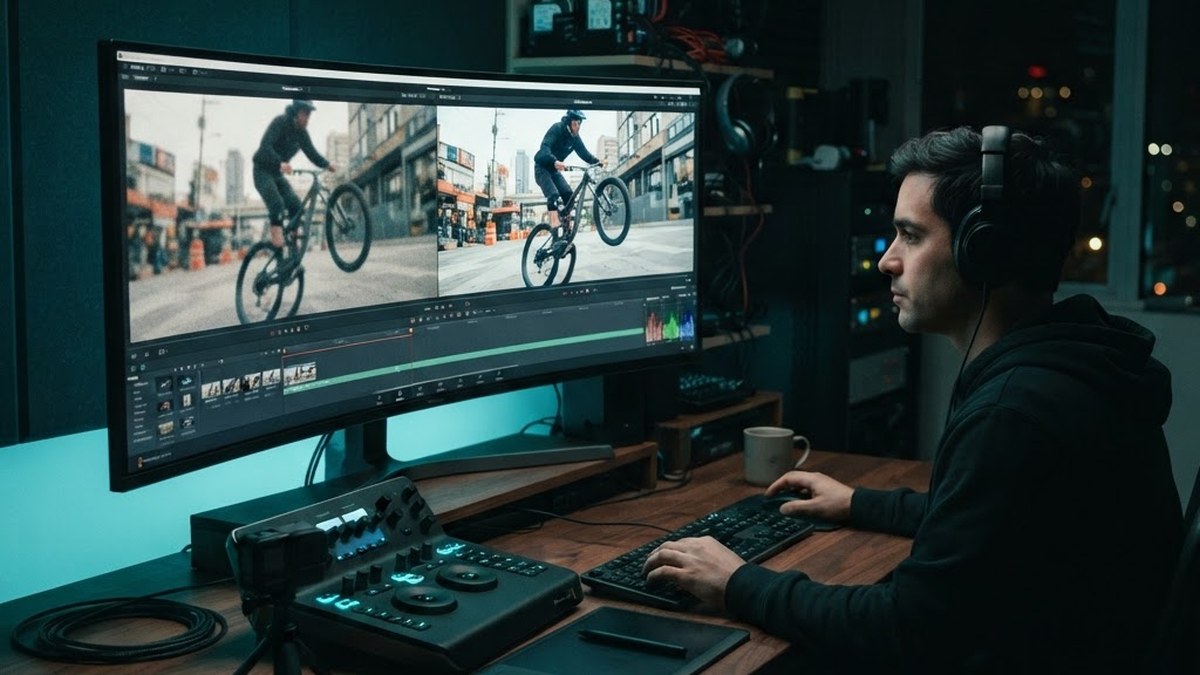
Image: AI-generated illustration for editorial context
In this article
The short answer
No, most YouTube creators do not need to deliver 8K, and the viewing data has said so for years. The overwhelming majority of YouTube watch time happens on phones and laptops on connections and screens that render 8K indistinguishable from 4K. But 8K as a capture format is a different question, and for some workflows it genuinely earns its storage bill. Here is the honest breakdown from a workflow that shoots both every week.
8K as capture: the reframing argument
This is where 8K actually pays. Shooting 8K gives you room to punch in, stabilize, and reframe without losing 4K delivery quality. On my 360 cameras, the Insta360 X6 records 8K50 and the Ace Pro 2 records 8K30, and the extra resolution is not about the final viewer pixel count, it is about freedom in the edit. Punching in 50 percent on an 8K frame still delivers clean 4K. For motorcycle ride footage where the composition is decided after the fact, that is not a luxury, it is the whole point.
8K as delivery: the storage math
Delivery is where the numbers turn. A minute of 8K footage from a modern action camera runs roughly 600 MB at typical 400 Mbps bitrates, four times a 4K file, and a 64 GB card fills in minutes. Editing 8K timelines demands a serious machine: my Mac Studio M4 Max with 32 GB of unified memory handles 8K proxies comfortably, but a mid-range laptop will struggle. Uploads quadruple in time, YouTube's processing takes longer, and your viewers on AV1-capable devices are the only ones who can even stream it at full quality. The practical ceiling for almost all audiences remains a well-lit, well-encoded 4K file.
When 8K makes sense for your channel
Shoot 8K when you will reframe, crop, stabilize, or export stills; when your subject is detail-critical like product close-ups; or when you are future-proofing footage you cannot reshoot, like a one-time trip. Deliver 8K when your audience is genuinely quality-obsessed and your analytics show 4K-plus playback, which for most channels is under 15 percent of views. Otherwise capture big and export 4K at a high bitrate. That is the workflow on both of my channels, and it has never cost me a single view.
The bottom line
Resolution does not grow a channel. Audio quality, thumbnails, pacing and story grow channels. The 8K question is a workflow question, not an audience question, and once you separate capture from delivery, the answer becomes obvious: capture the resolution your edit needs, deliver the resolution your audience can actually watch.
A practical 8K workflow checklist
If you are shooting 8K today, the workflow that saves the most time is simple. Record 8K, but immediately generate 4K proxies in your editor and cut against those: your timeline behaves like a 4K project all the way to final export. Export the highest-quality 4K your channel allows, since YouTube re-encodes everything anyway, and shoot 10-bit color whenever the camera offers it, because color depth survives compression far better than resolution. Do a real test on your own channel: post one 8K-delivered video and one 4K-delivered video of similar content, then compare retention and playback-quality data in your analytics after a month. Your audience never sees your resolution; they see your result. In my experience that test ends the 8K-versus-4K argument for good, because viewers cannot pick the difference and the algorithm does not care.
What about 360 cameras and reframing
The 360 workflow deserves its own note, because it is the one place 8K is genuinely non-negotiable. A 360 camera records in every direction at once, so your usable image is a crop of two fisheye lenses, and at 8K resolution the reframed output you actually deliver lands around 4K quality. Drop to a lower-resolution 360 mode and your reframed clip falls below acceptable sharpness fast, especially after stabilization crops in further. That is why the Insta360 X6's 8K50 mode matters for motorcycle ride footage even though almost nobody will ever play the file back at 8K: the resolution is consumed by the reframe, not the viewer. For flat cameras the calculus is different, and 4K capture plus good lighting beats 8K plus bad lighting every single time.
Frequently Asked Questions
Is 8K worth it for YouTube videos?
For most creators, no: the majority of watch time is on devices where 8K delivery is indistinguishable from 4K. Shooting 8K is worth it when you plan to reframe, crop or stabilize, because it gives you a 4K-quality image after a 50 percent punch-in.
Does YouTube support 8K playback?
Yes, YouTube supports 8K playback on capable devices and connections, but the share of viewers who can actually stream it at full quality is small, and processing times are longer for the creator.
How much storage does 8K video use?
At typical action-camera bitrates around 400 Mbps, one minute of 8K footage is roughly 600 MB, about four times the storage of a comparable 4K file.